
Experience How WP Event Manager Works
Comprehensive event management plugin to create events, sell tickets, manage registrations, and boost networking.
Explore live demo
Designed for Every Event
Whether it is a virtual event, business conference, or an exhibition, WP Event Manager takes care of all.
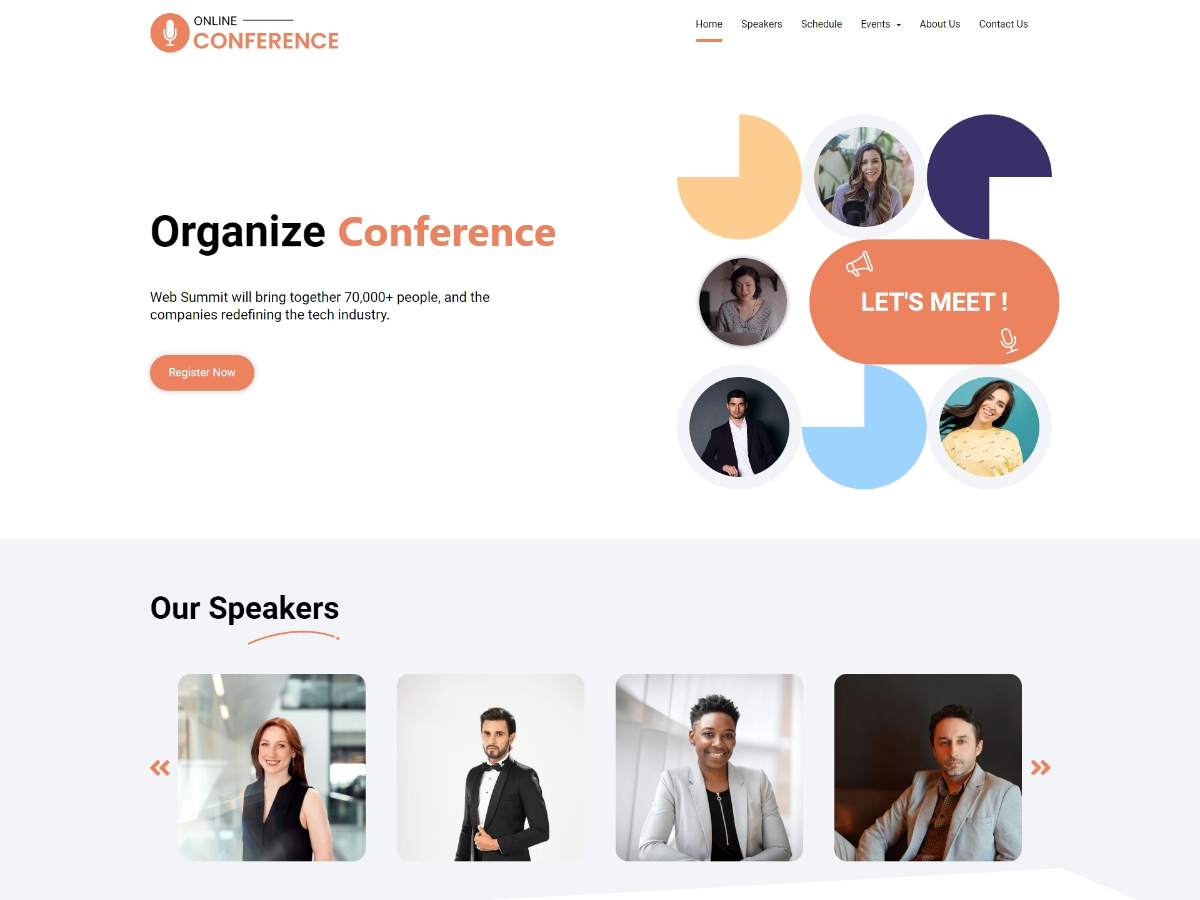
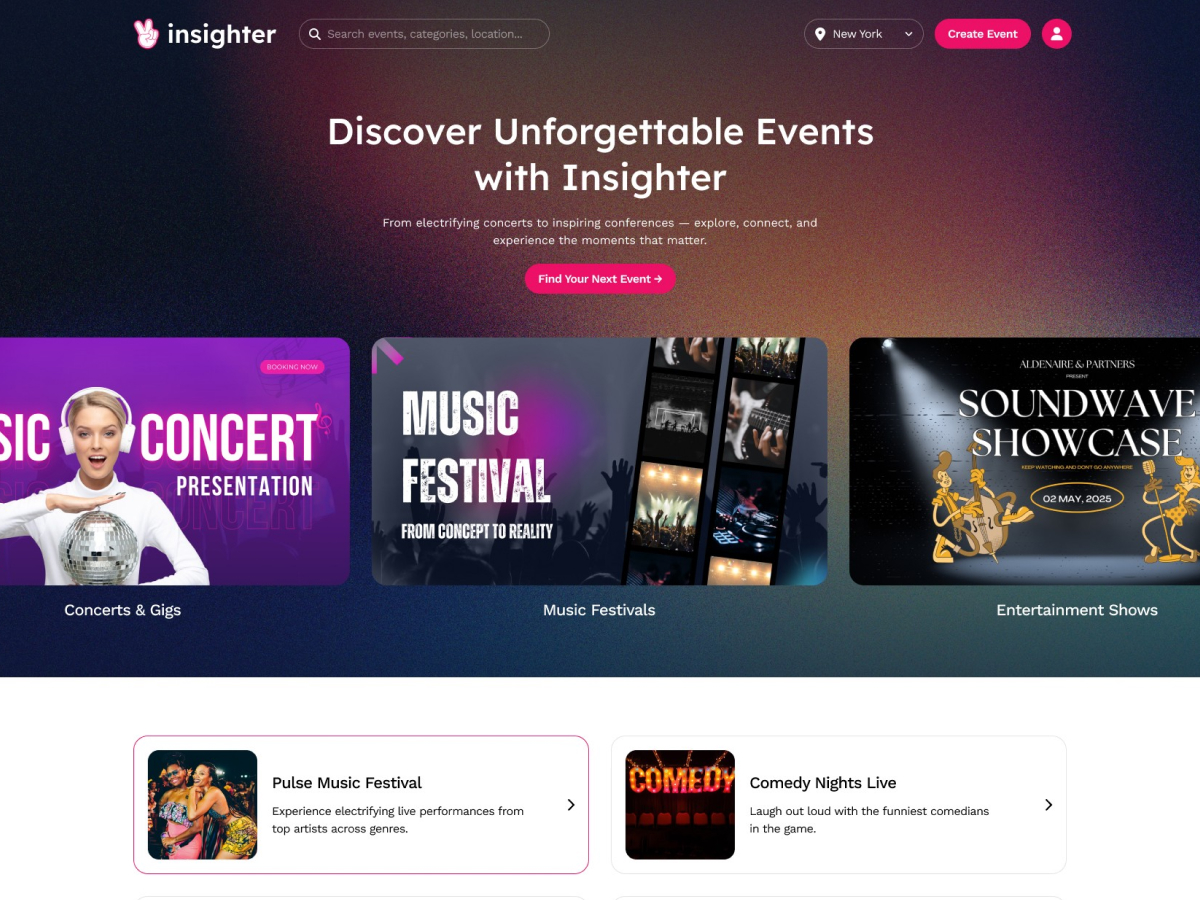

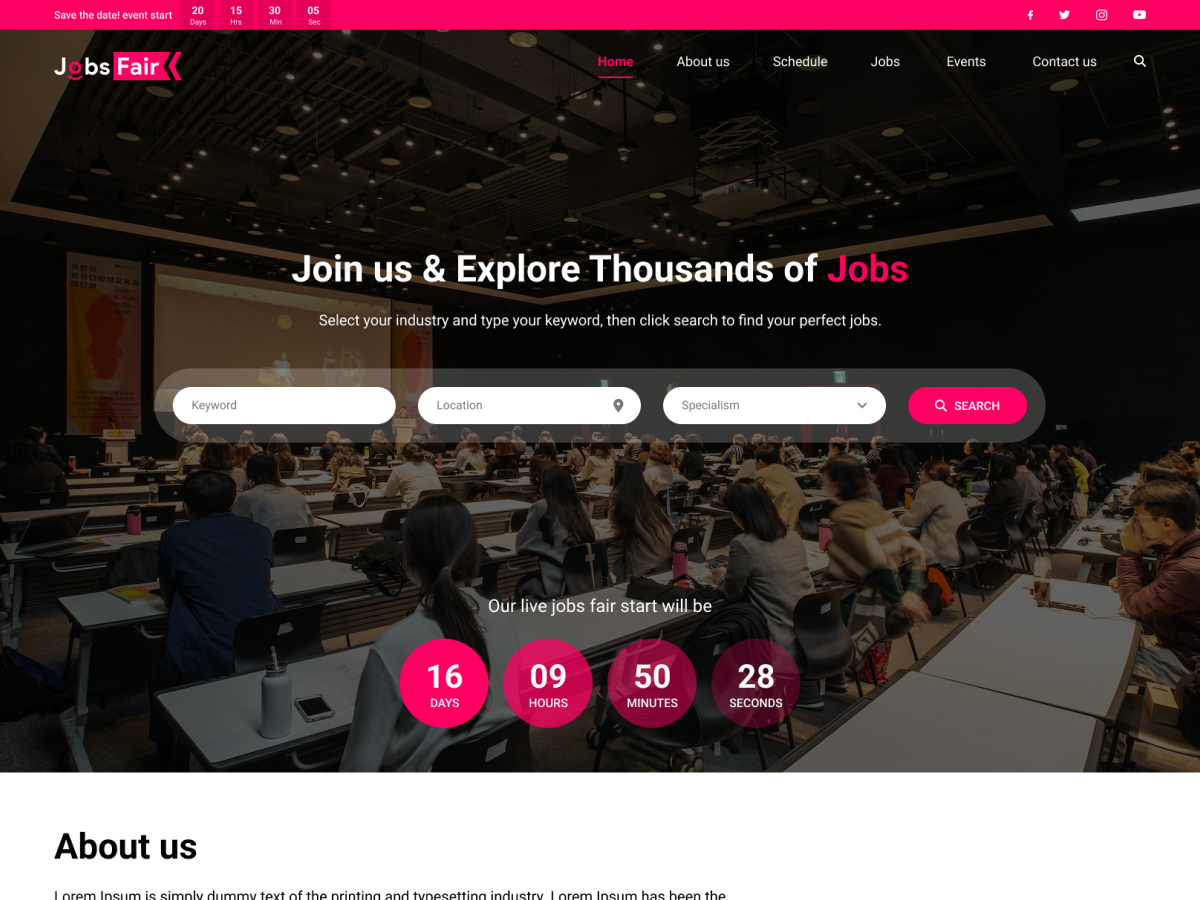
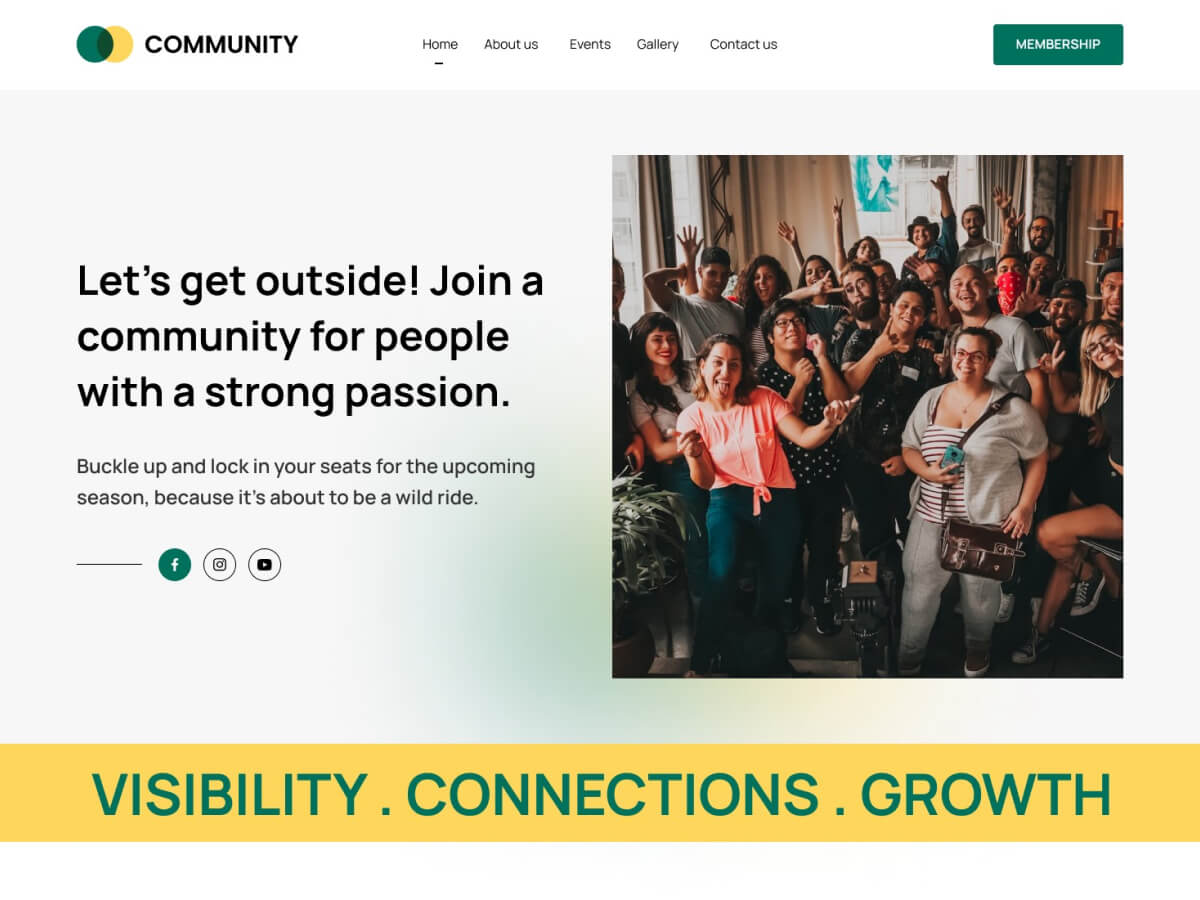
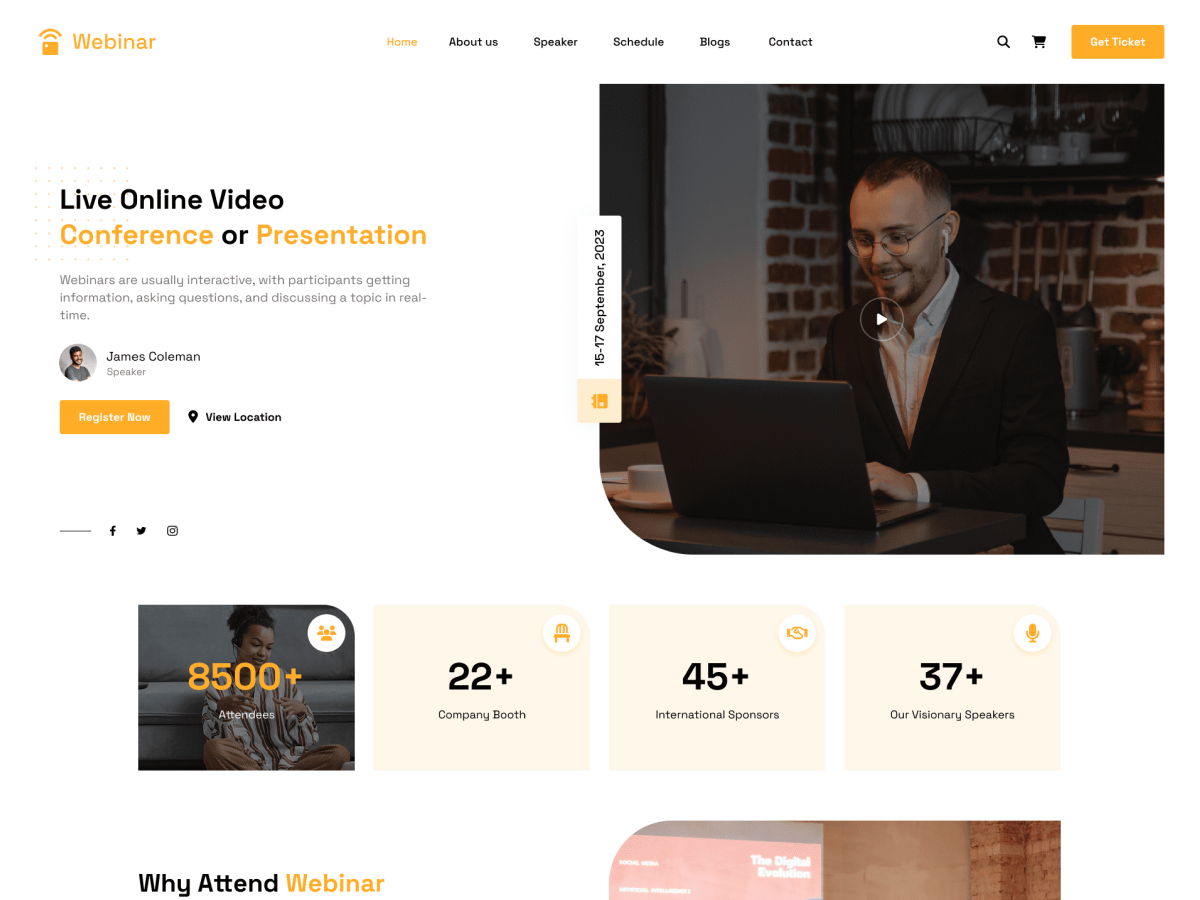
Try It Before You Install
Choose Your Preferred Plugins and Take a Demo to be 100% Sure Before Purchasing.
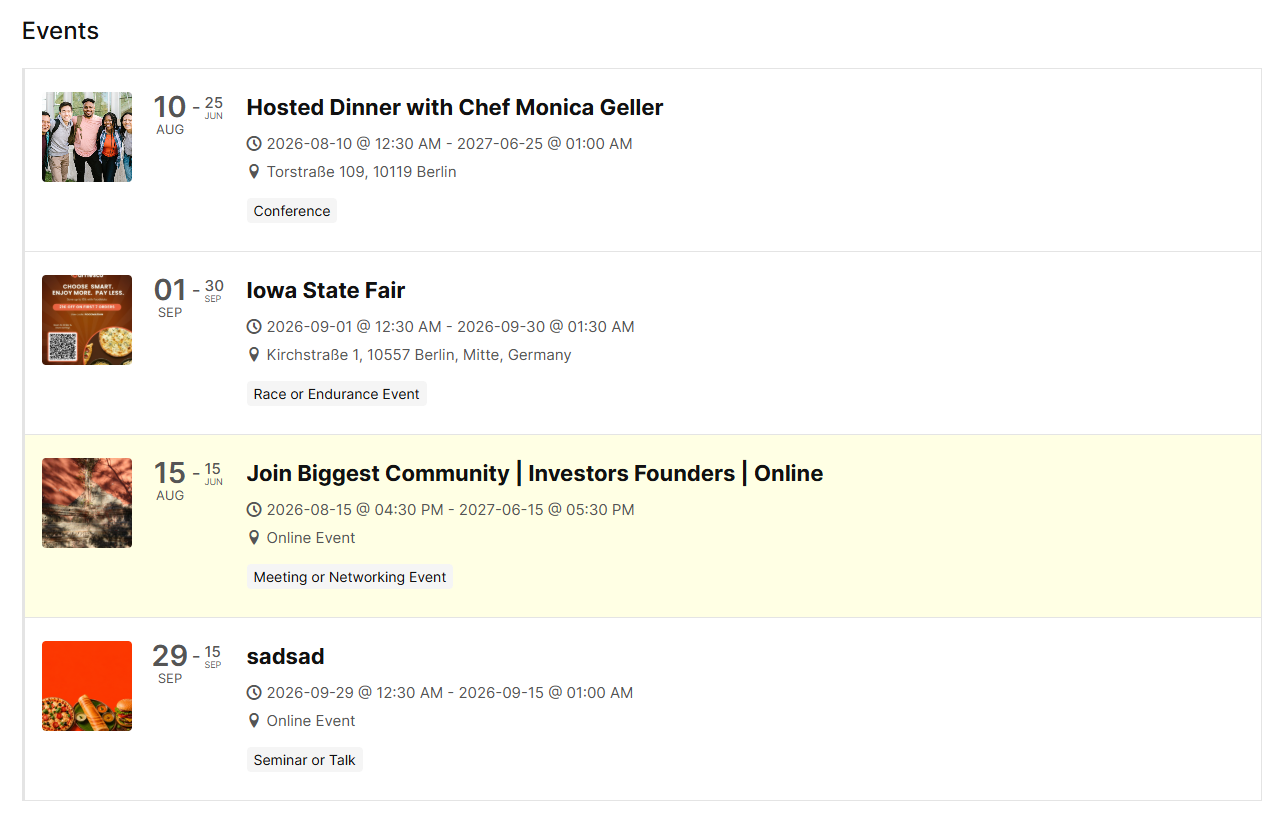
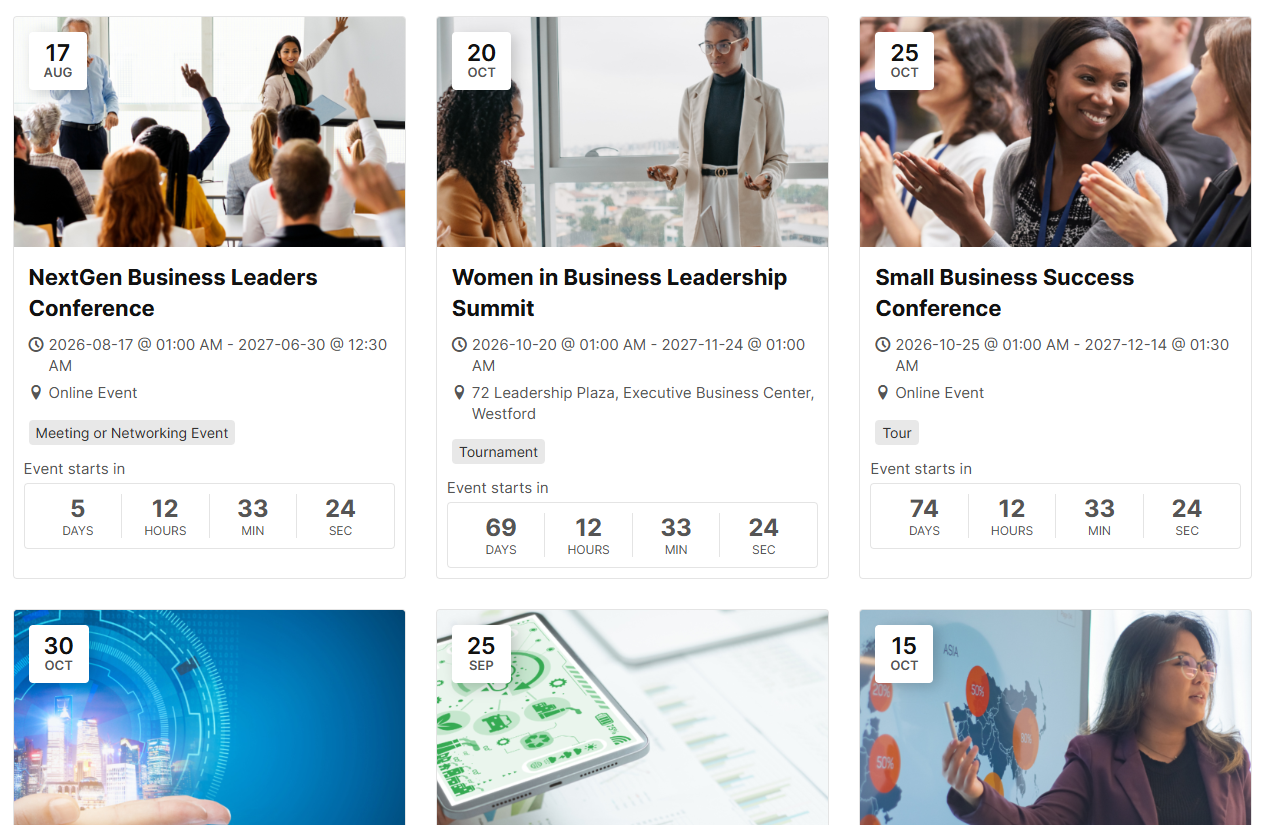
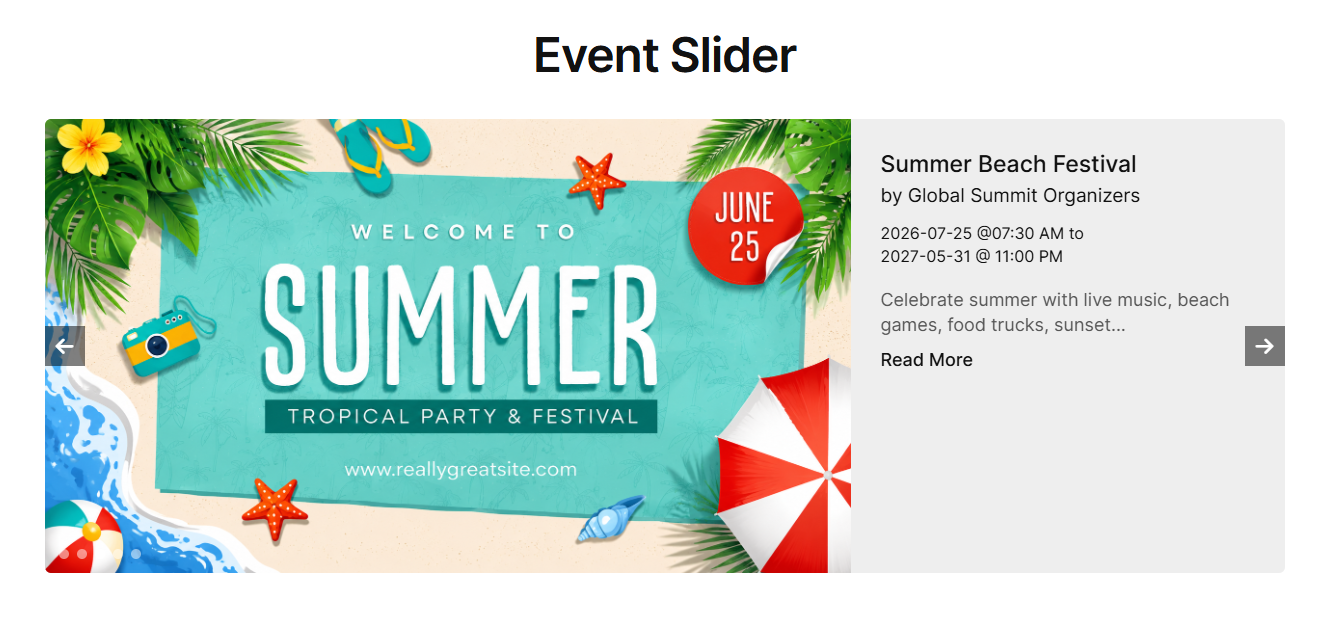
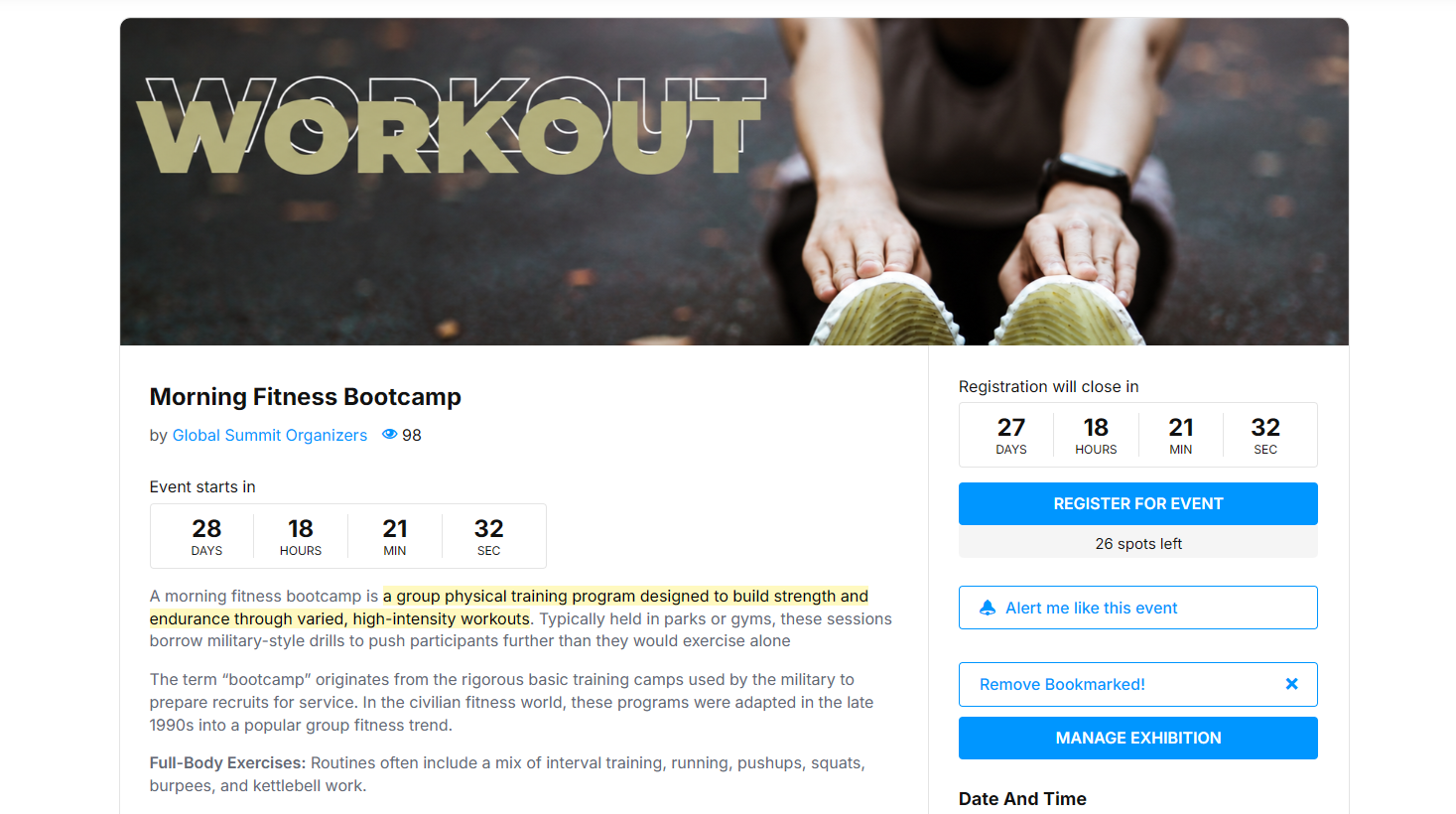
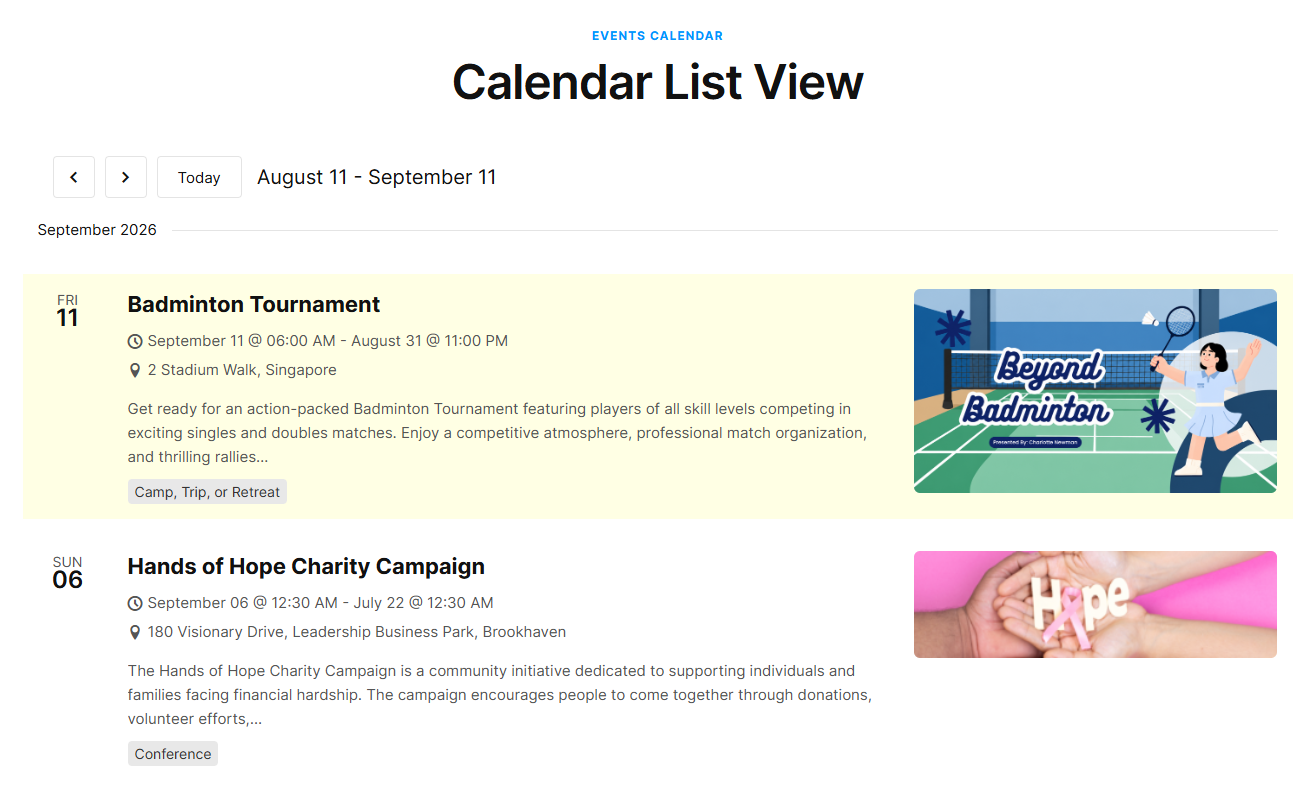
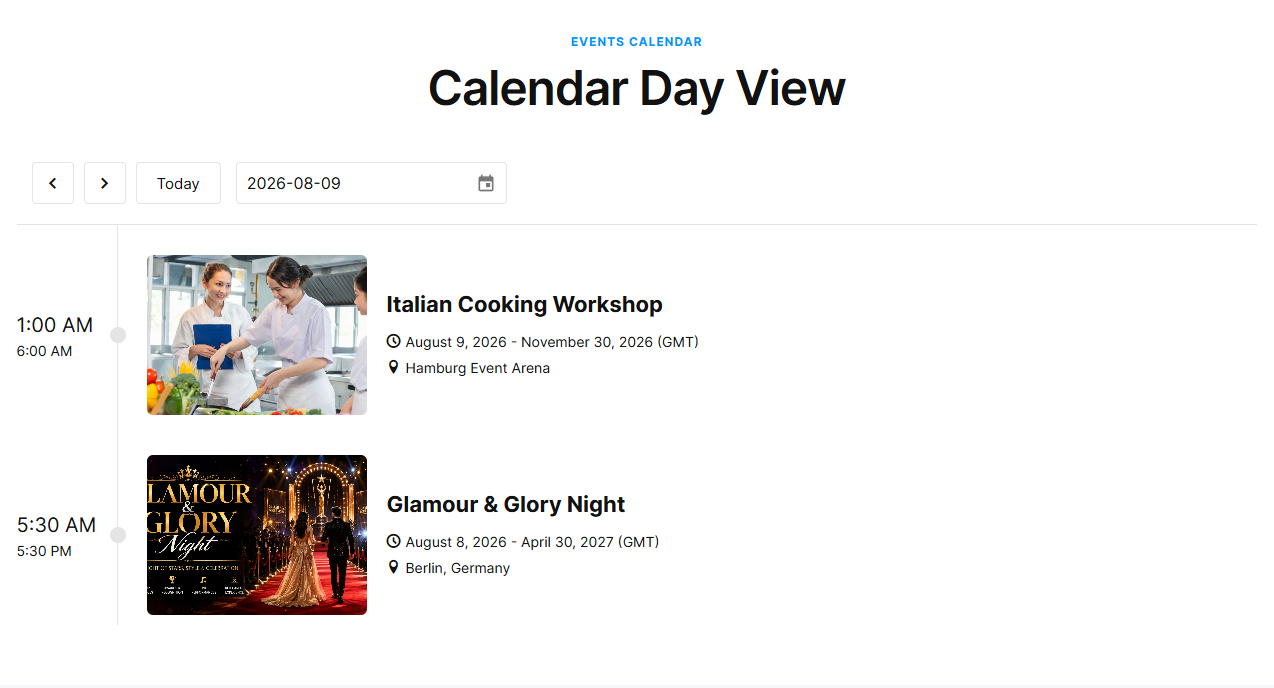
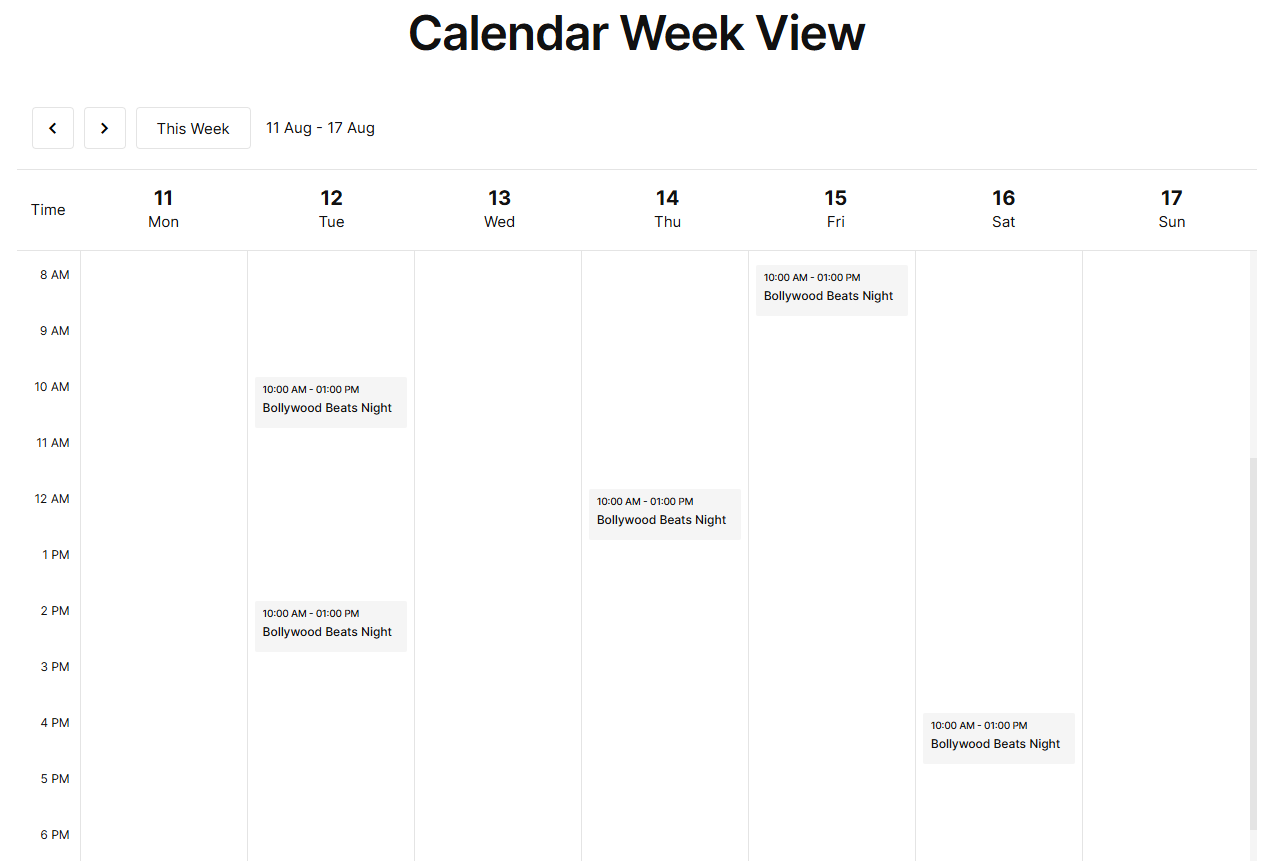
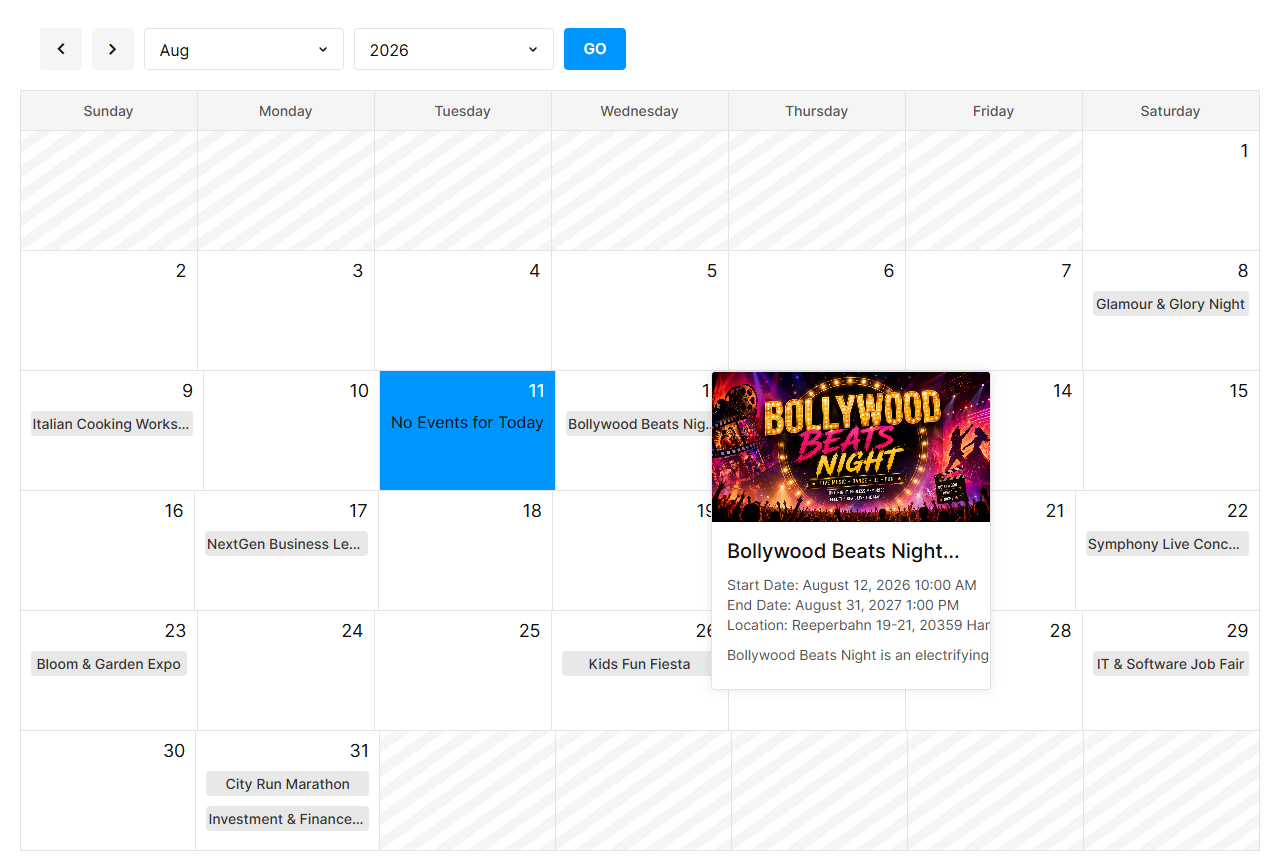
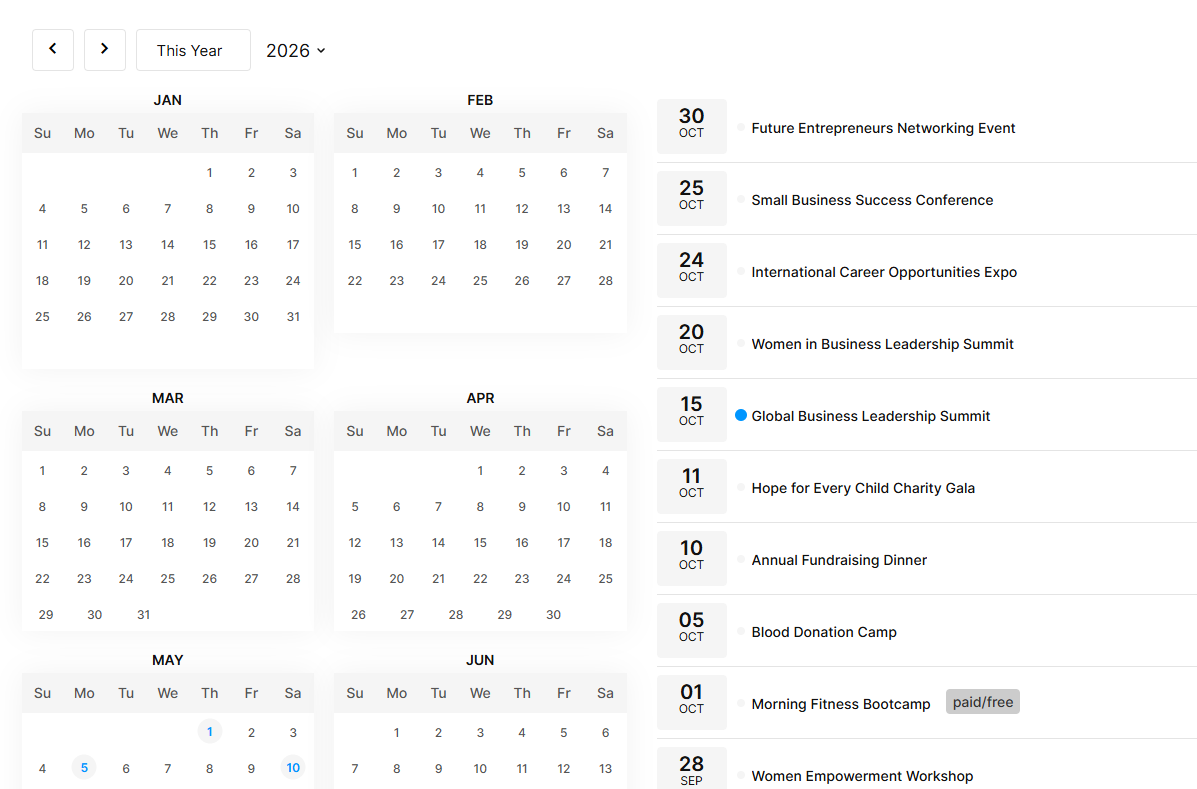
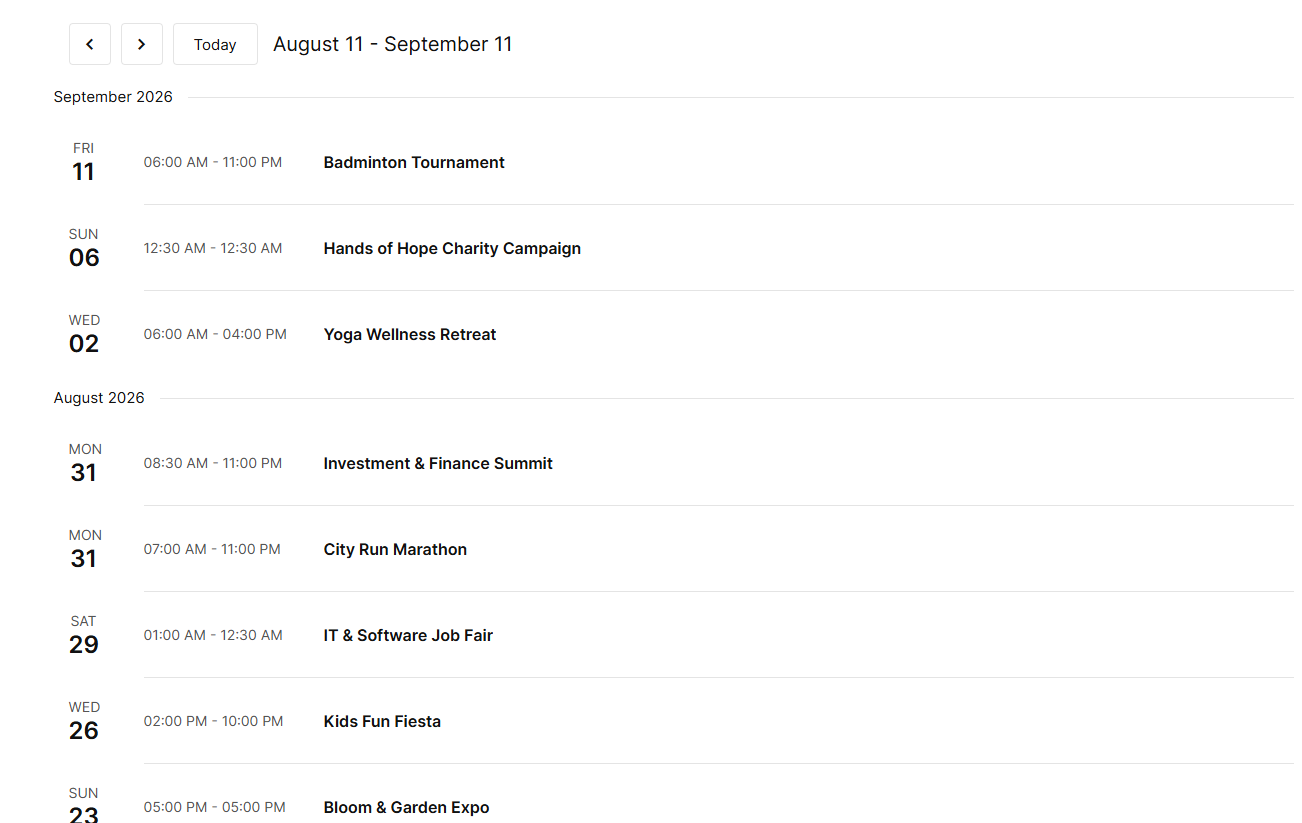
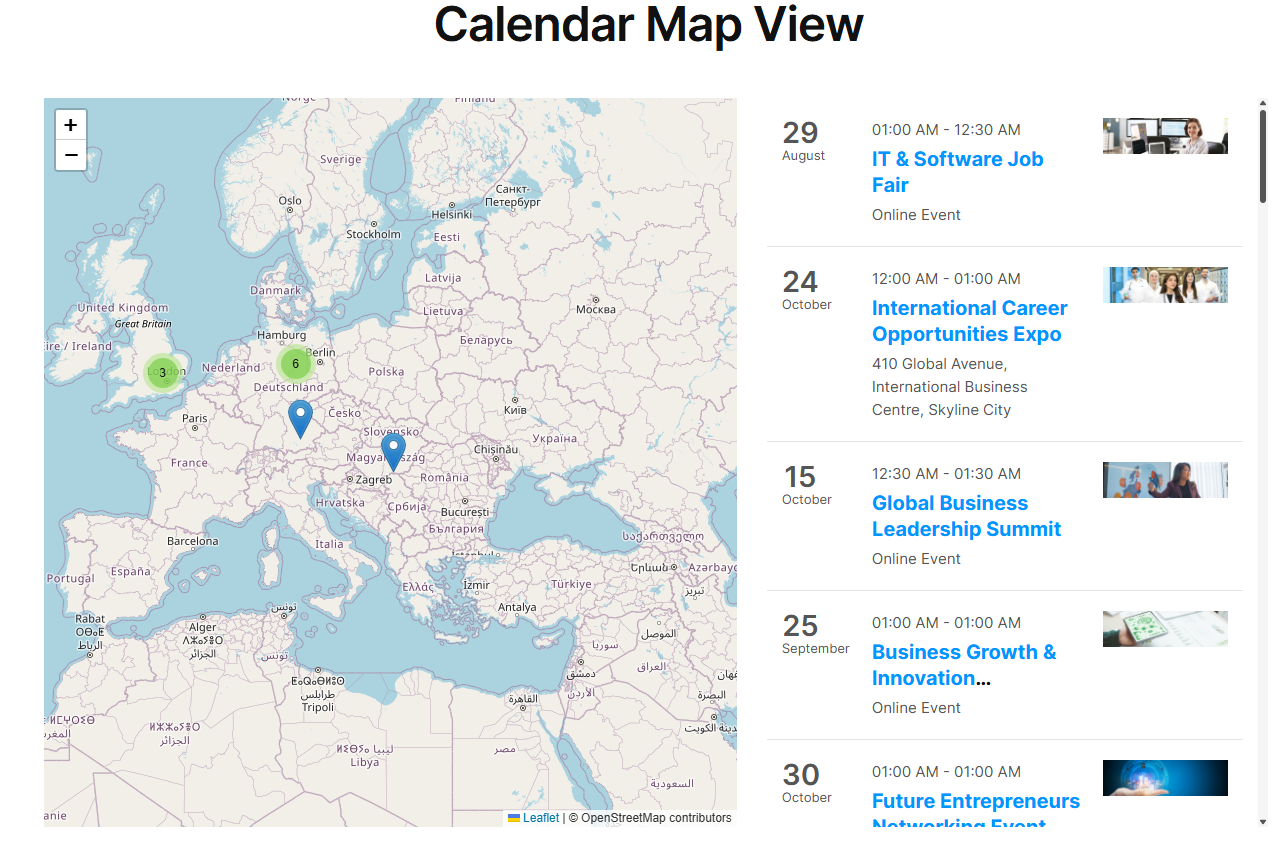
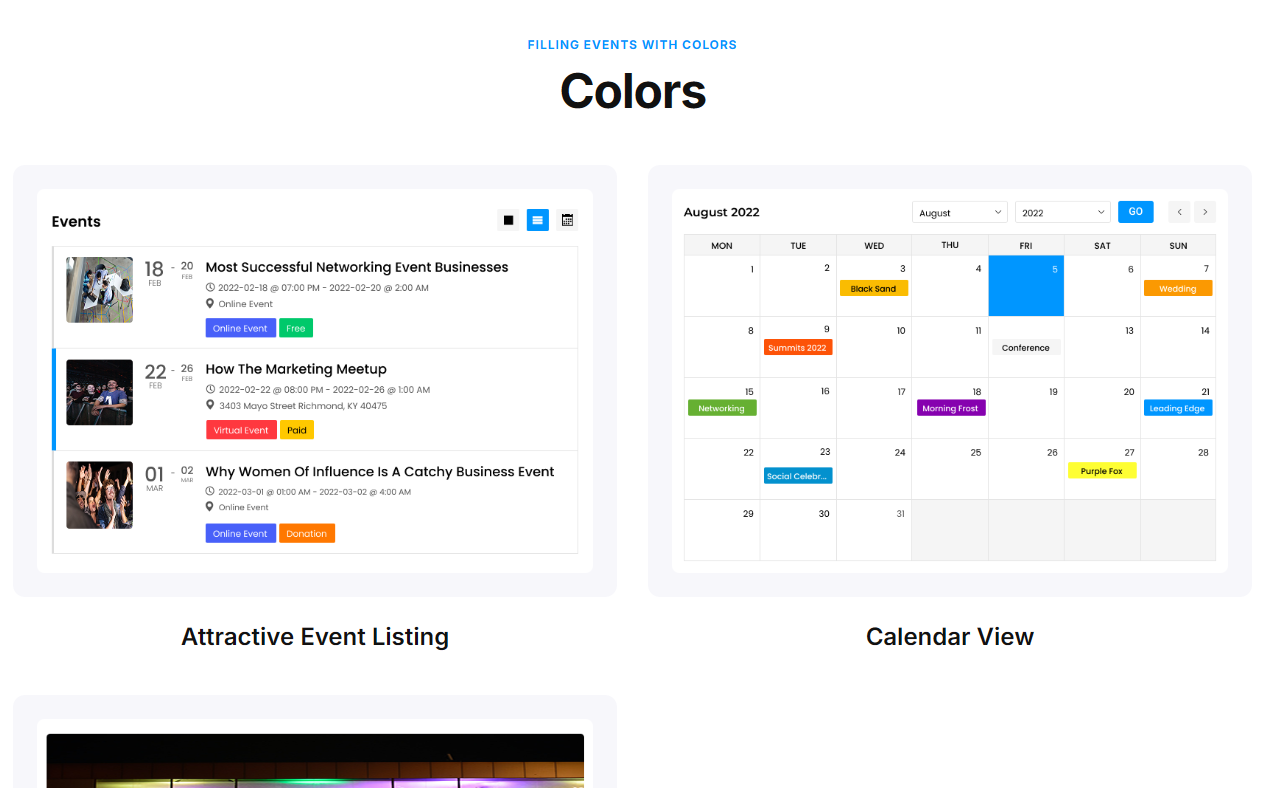
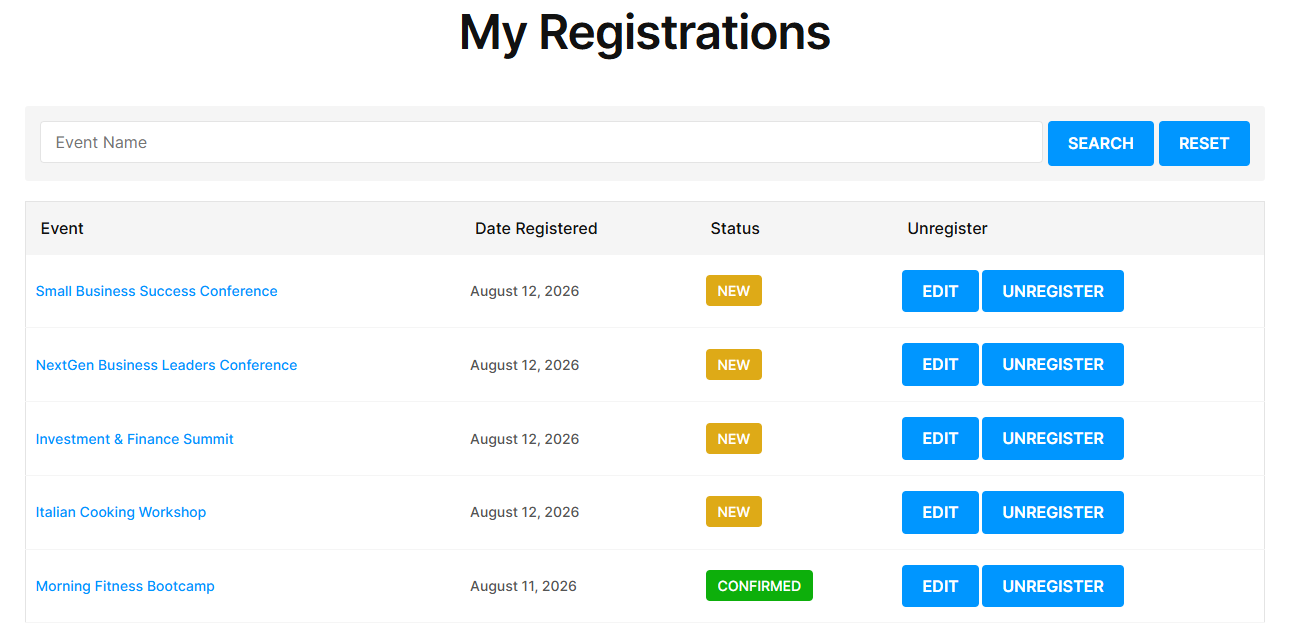
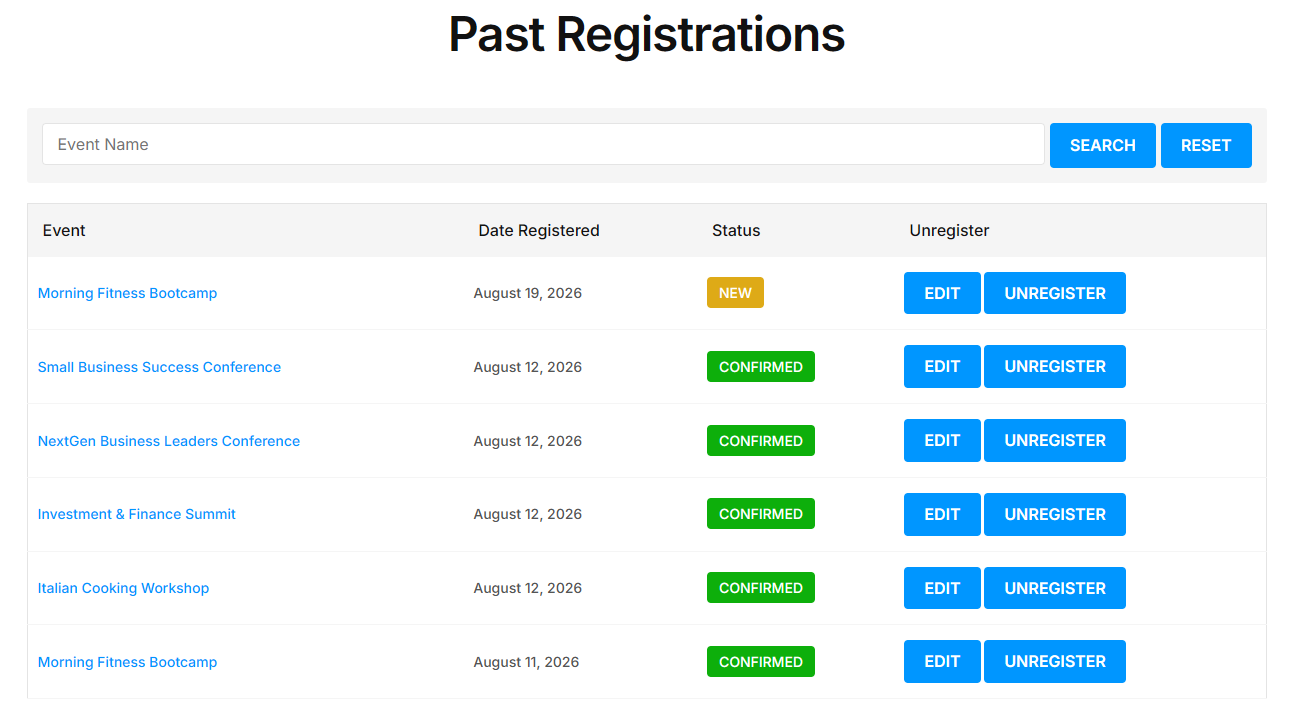
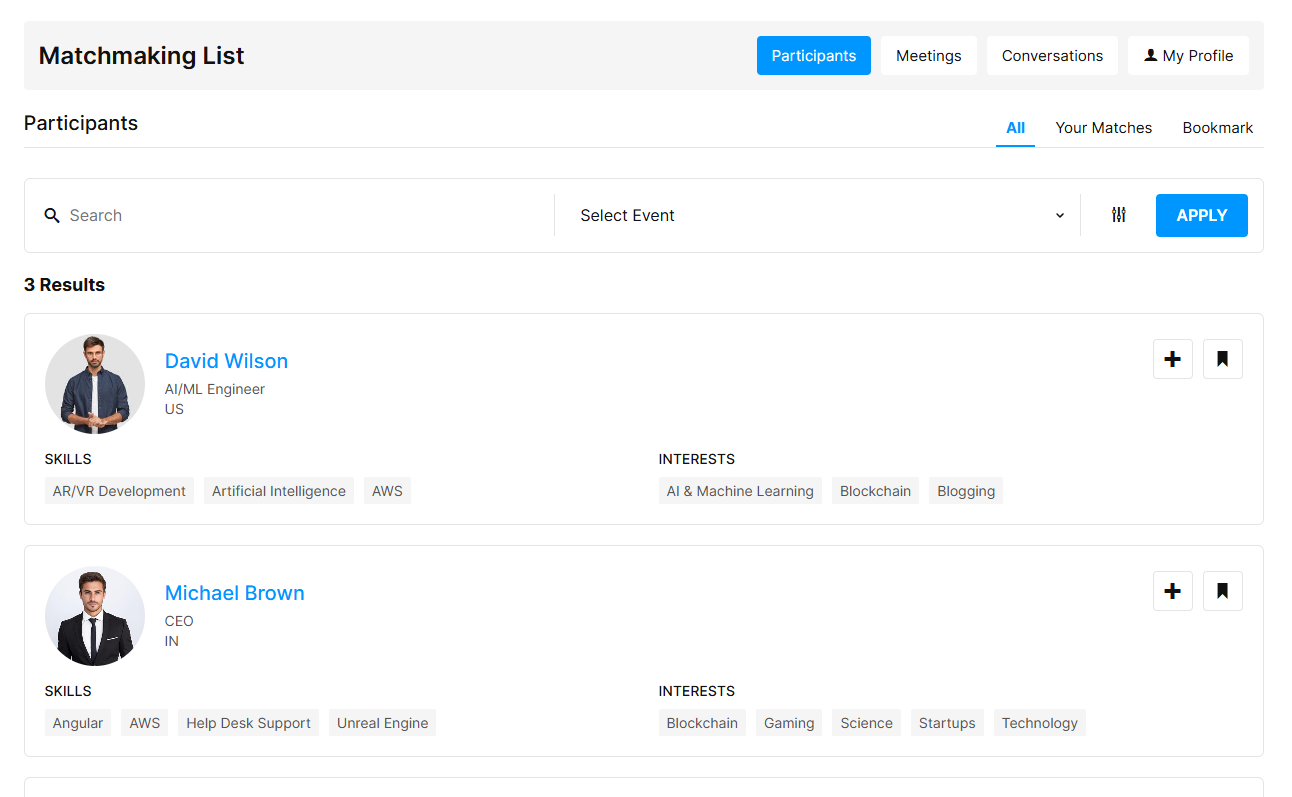
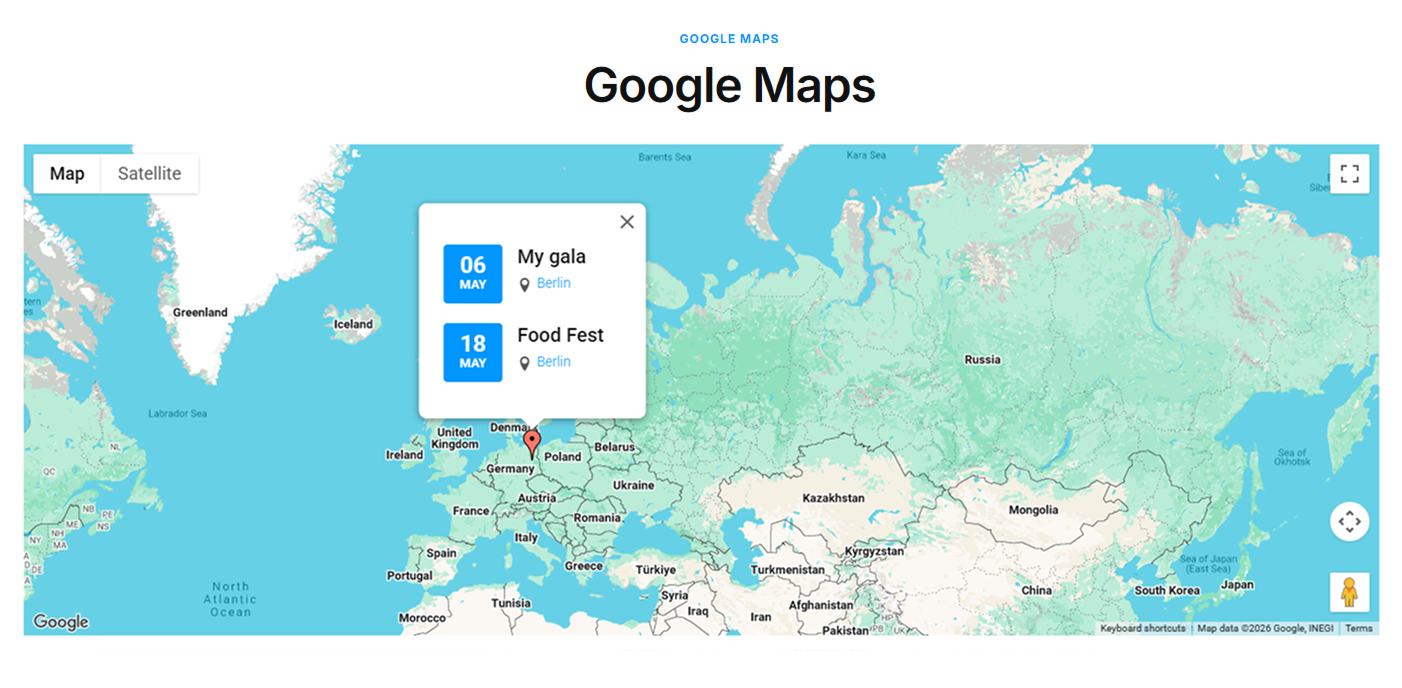
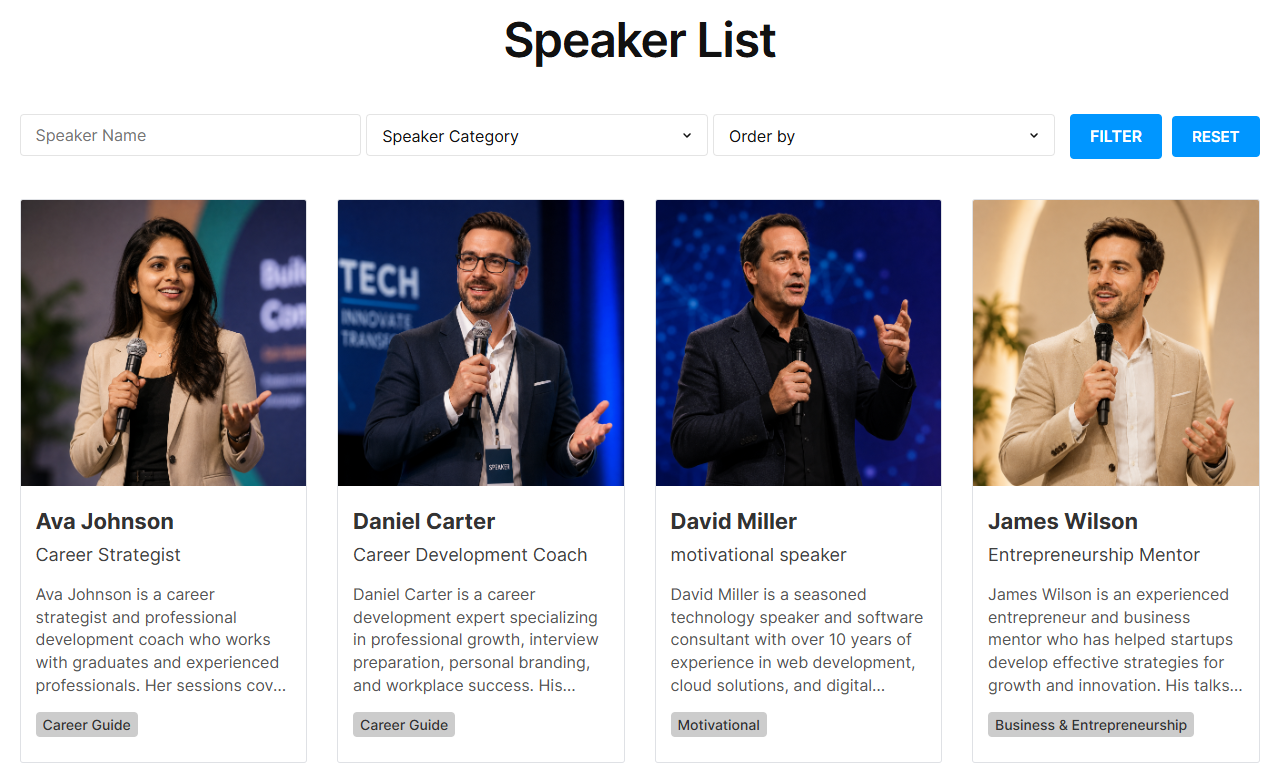
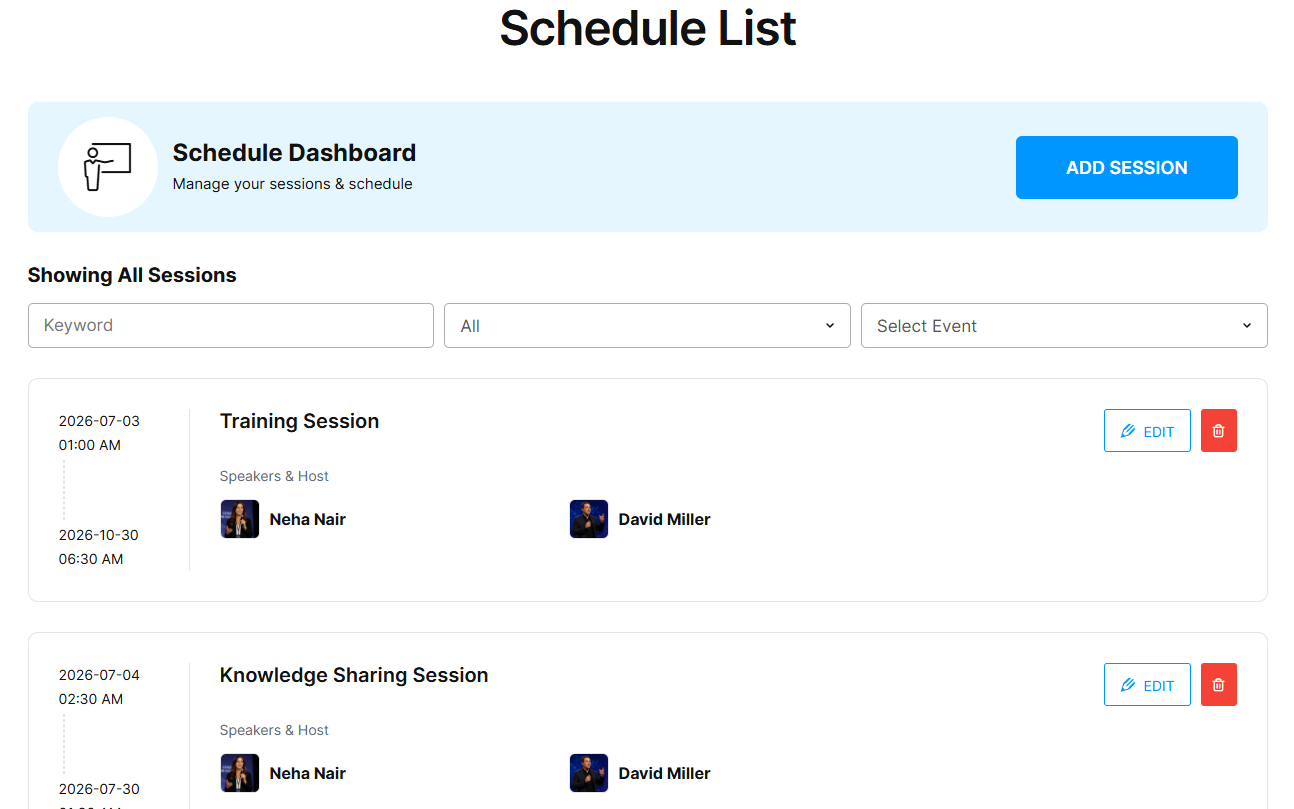
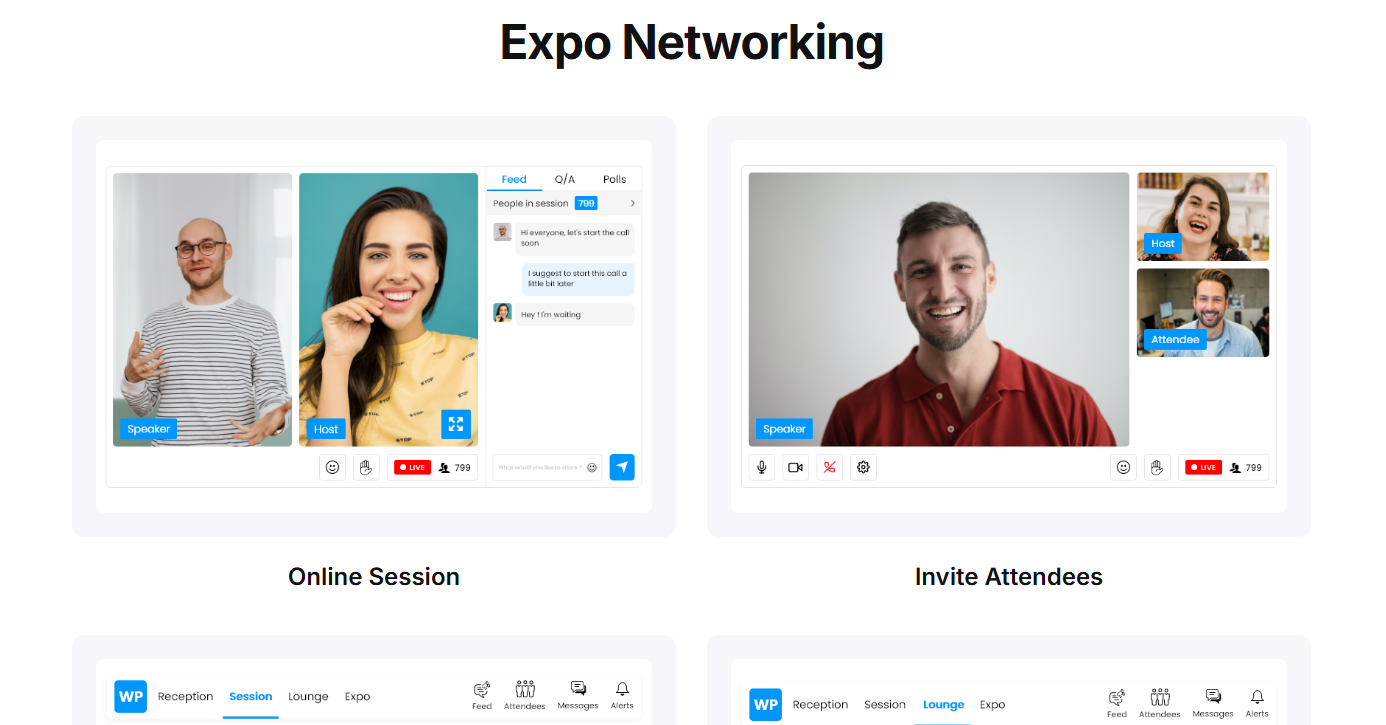
Creating Better Event Experiences for Organizers and Attendees
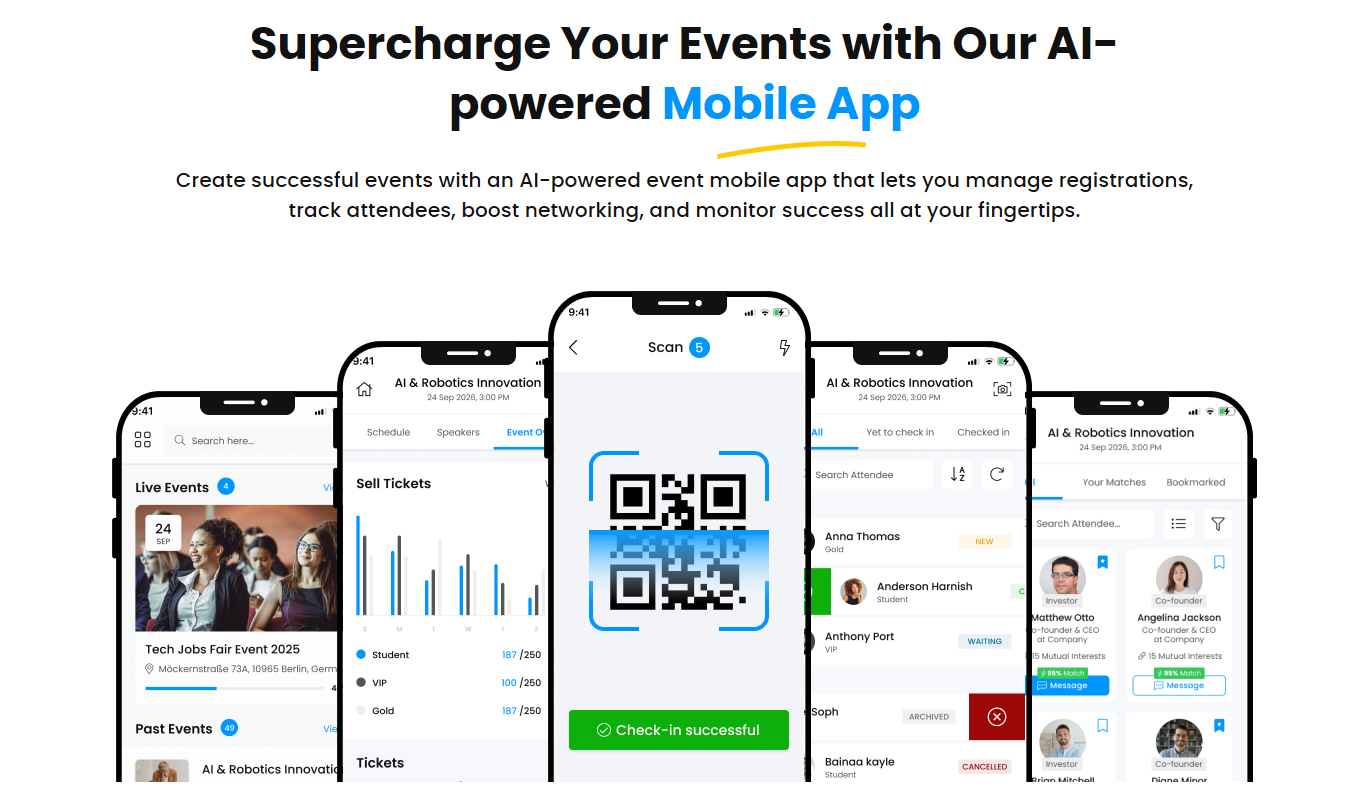
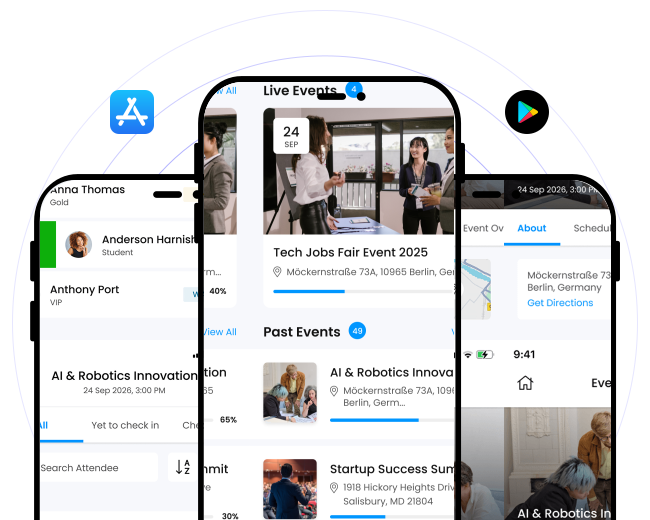
Discover an exclusive event app that not only helps event organizers access all their event details and functionalities through mobile but also helps attendees smoothly check-in and stay connected with everyone.
- Access event listing along with their details.
- Track registrations and ticket sales.
- Check event performance report.
- Keep an eye on attendee data and check-ins.
- Work offline and sync crucial data when internet restores.
- Check all registered event details.
- Access venue through QR code
- Discover and go through match profiles.
- Seamlessly manage pre-scheduled meetings.
- Connect with relevant matches.
WP Event Manager isn’t just a plugin, it’s a robust platform that adapts to the unique needs of event organizers. Its developer-friendly design allowed us to build a custom solution that fits perfectly into our workflow, and its support team has always been responsive and helpful. If you’re looking for a reliable, scalable event management solution, look no further.

Save more with a bundle
Ticket Selling, Marketing and Virtual add-ons are cheaper bundled than bought one at a time.
View bundle pricing
Not sure which add-ons you need?
Test it yourself. Then talk to our team who understands your event.



Help When You Need It
Access product documentation, tutorials, community resources, and support to help you get the most from WP Event Manager.

 WP Event Manager
 Divi Elements
 Migration
 REST API
 Event App
 Alerts
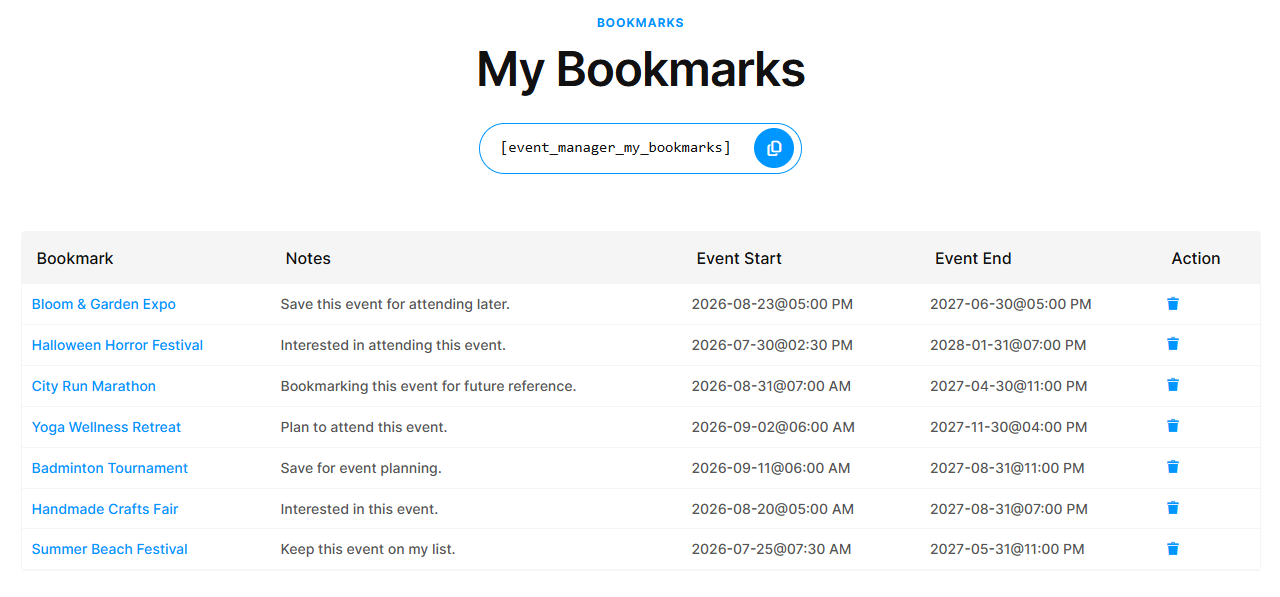
 Bookmarks
 Colors
 Contact Organizer
 Embeddable Event Widget
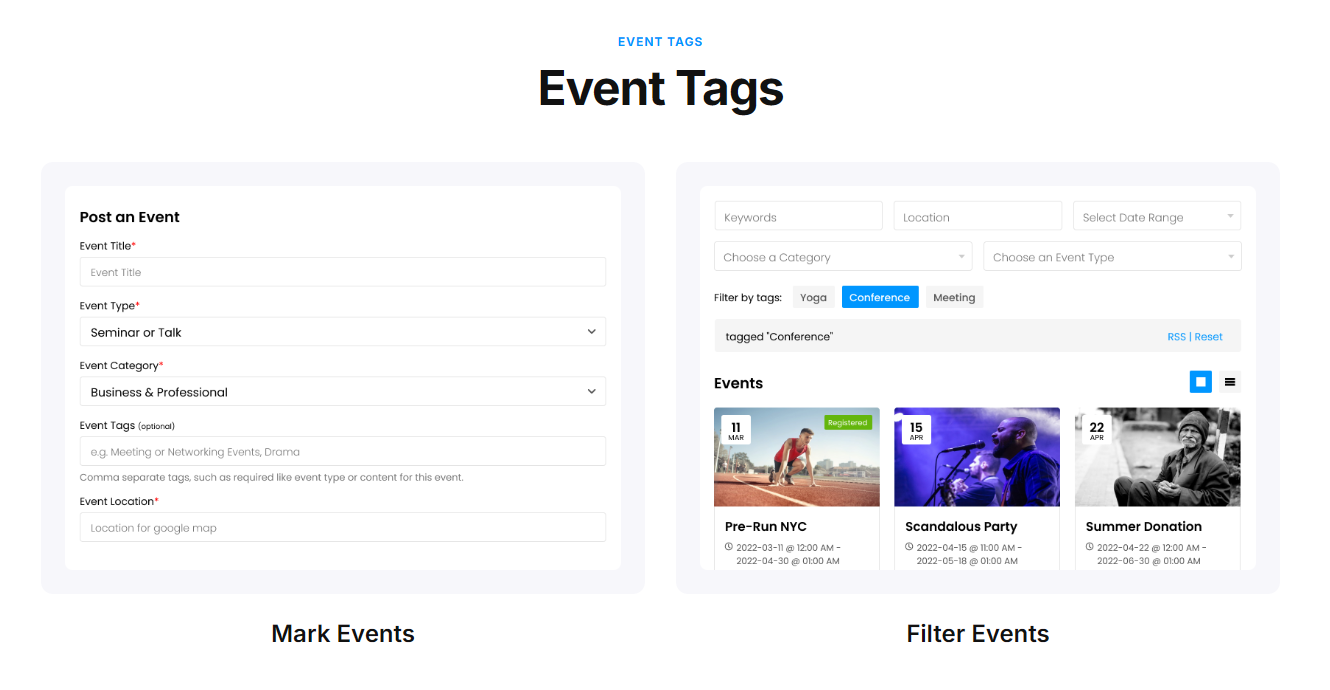
 Event Tags
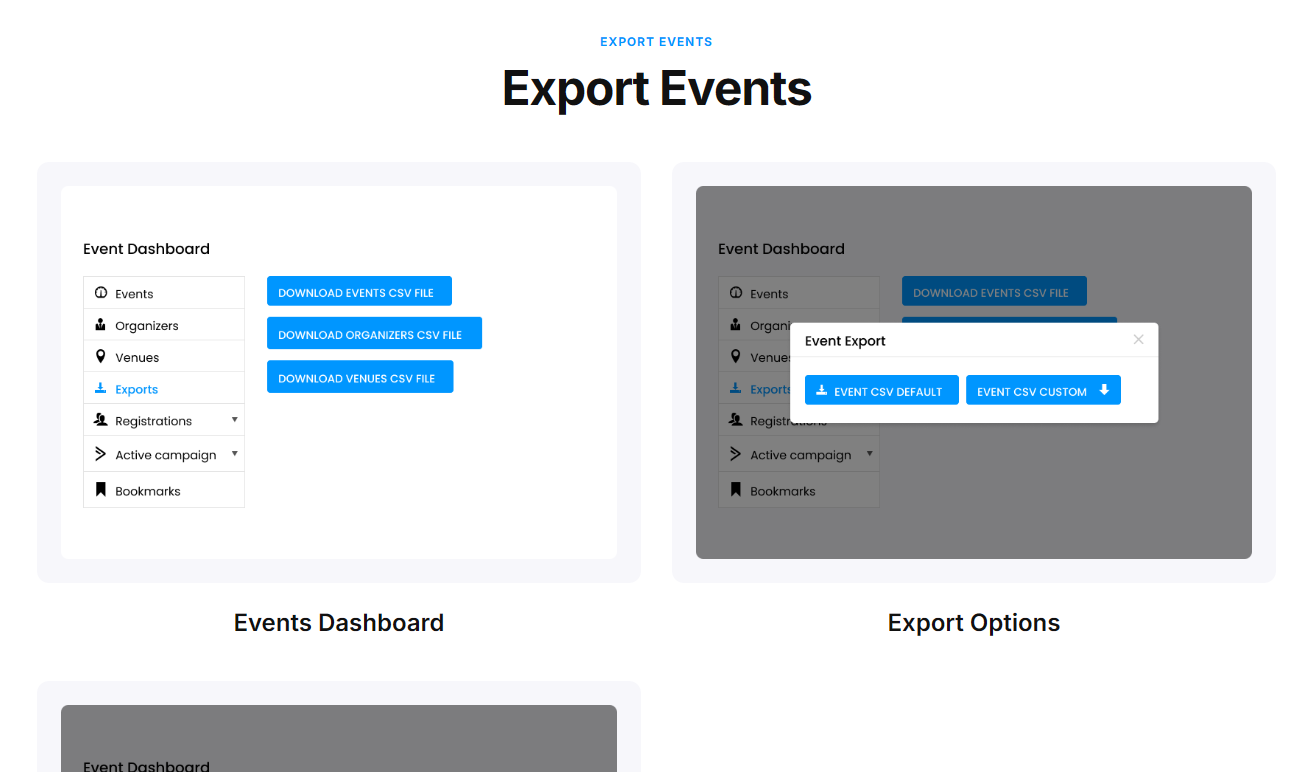
 Export Events
 Google Analytics
 Sliders
 Google Recaptcha
 Google Maps
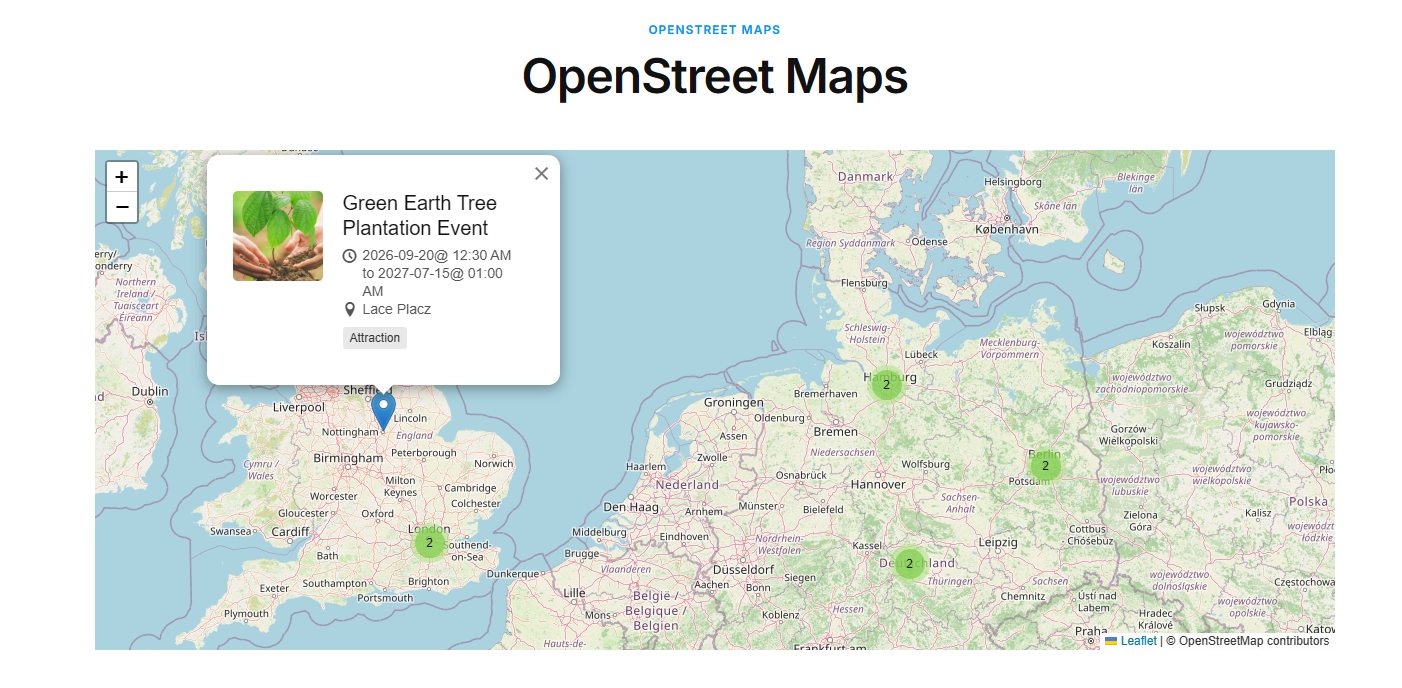
 OpenStreetMap
 Calendar
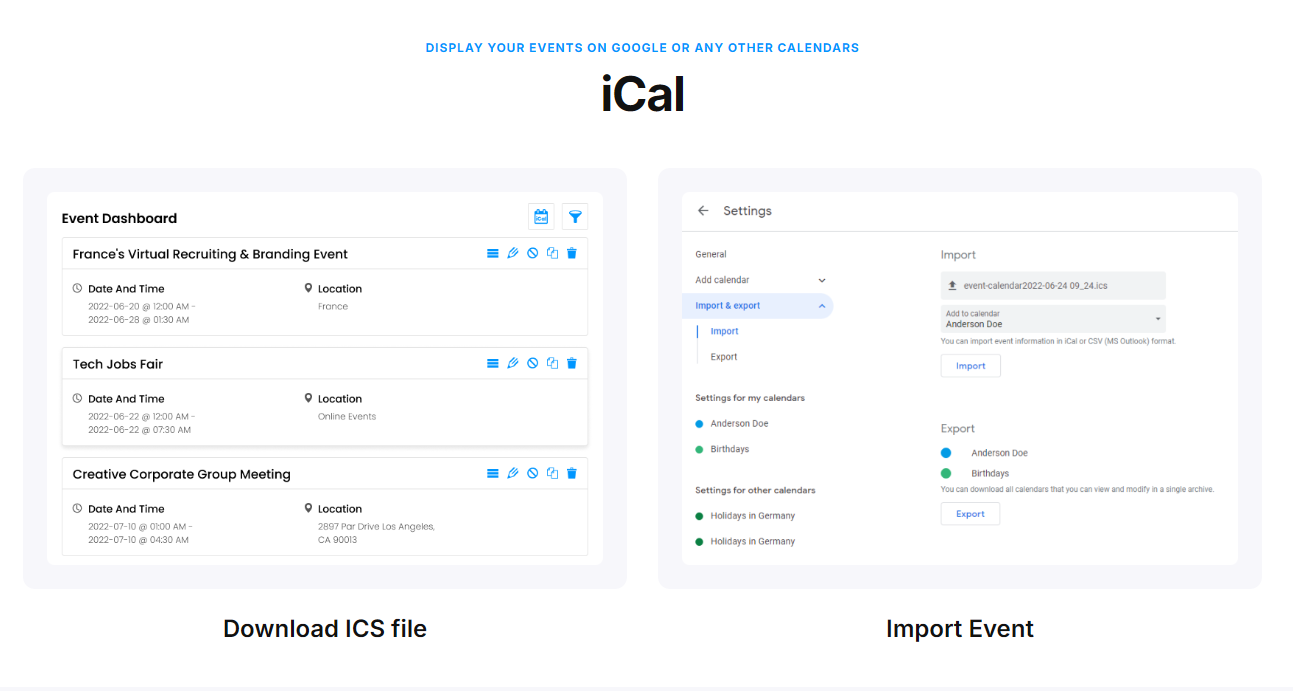
 iCal
iCal Recurring Events
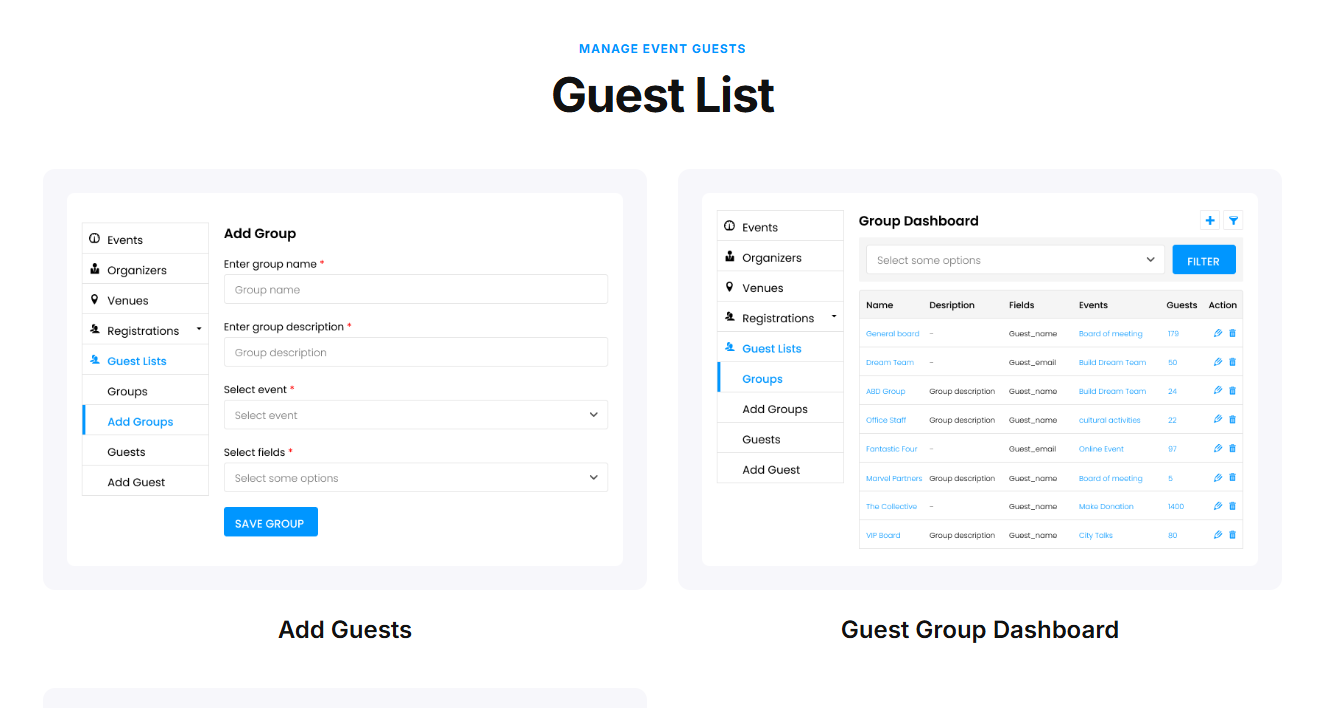
 Guest List
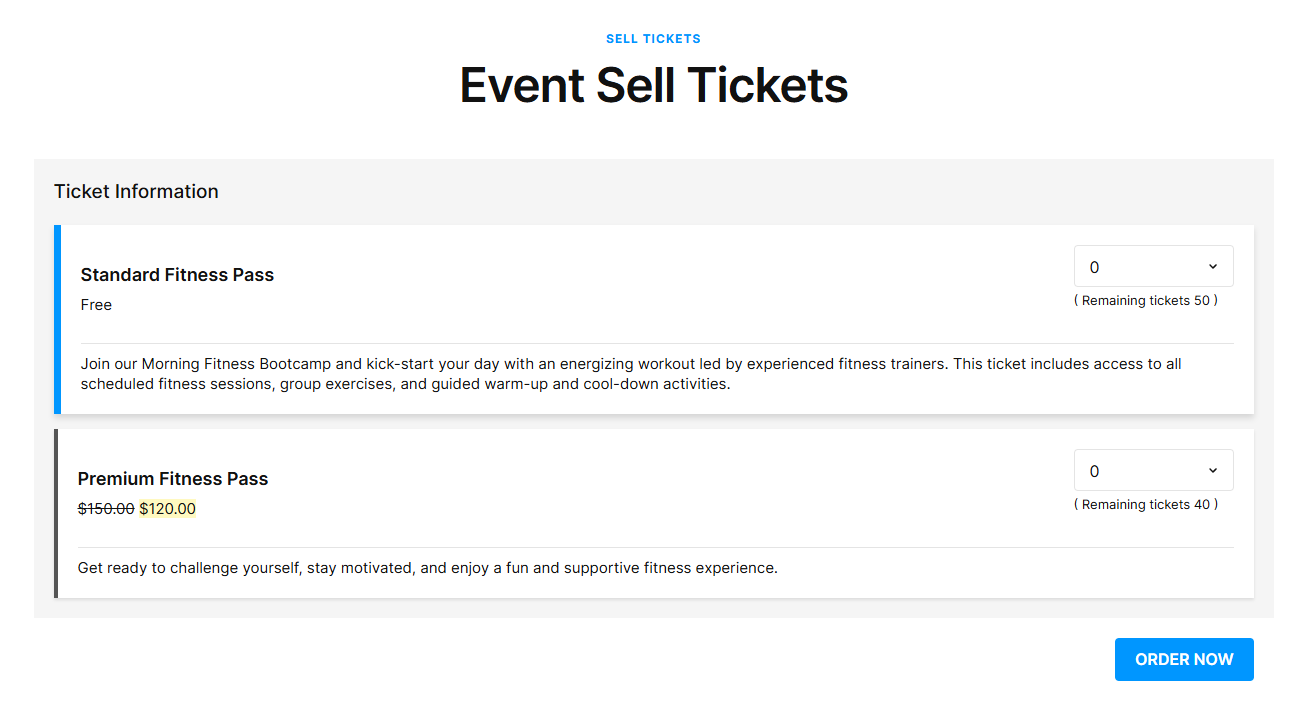
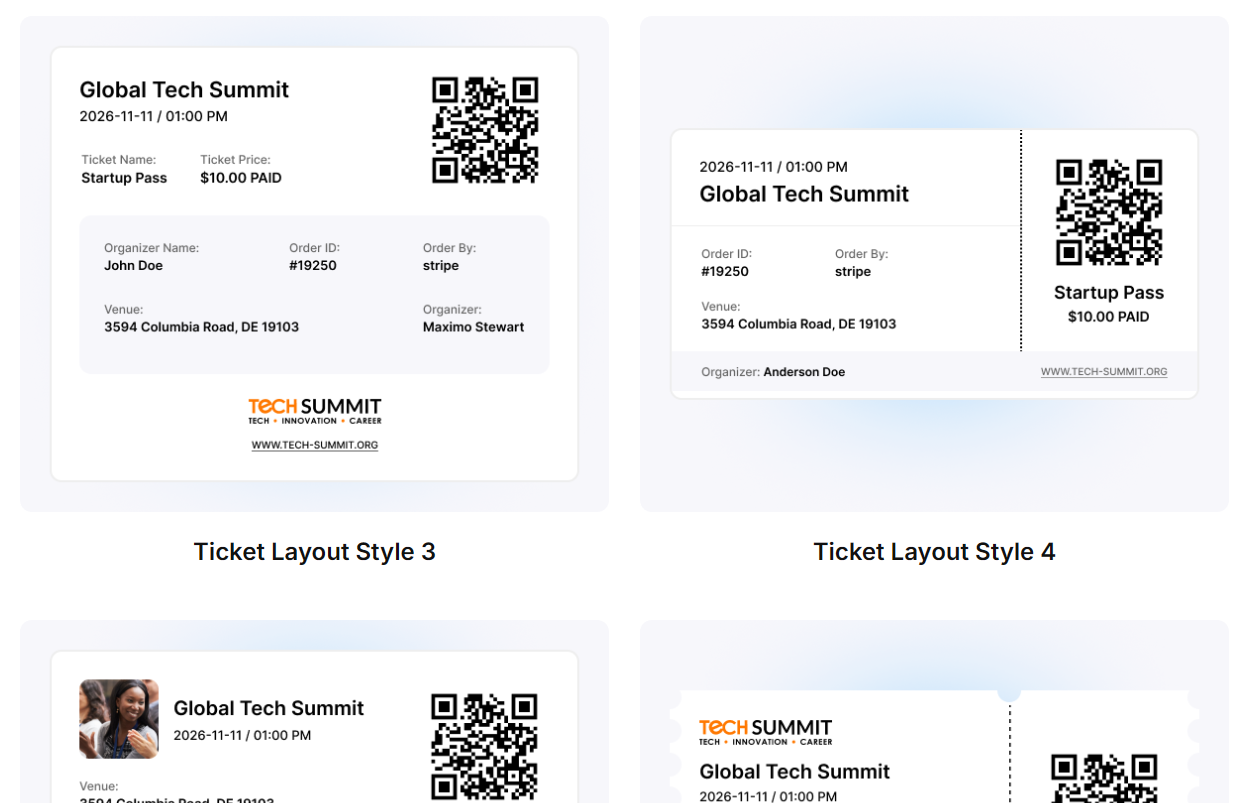
 Sell Tickets
 Registrations
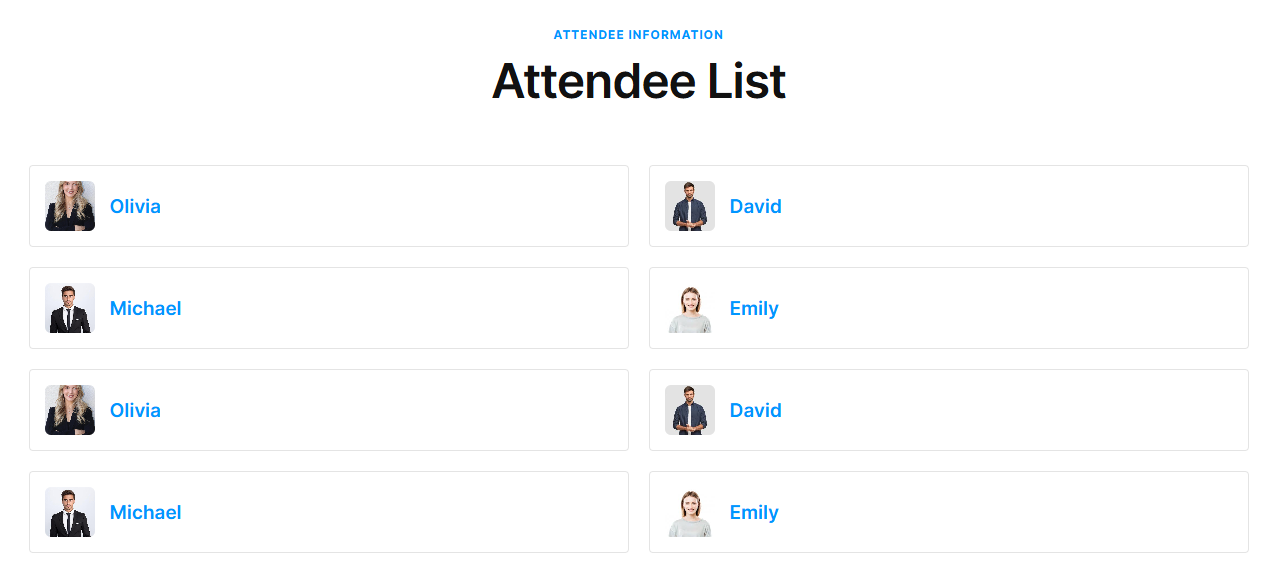
 Attendee Information
 Event Countdown
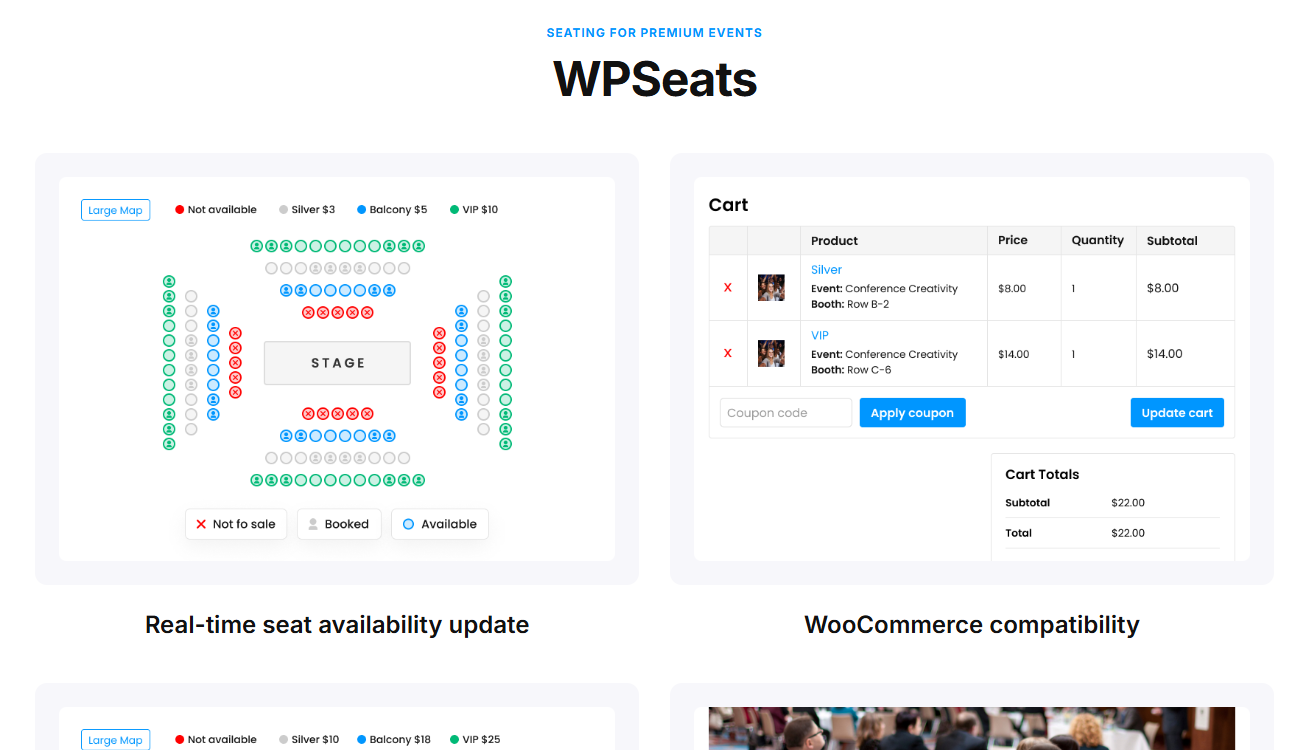
 WPSeats
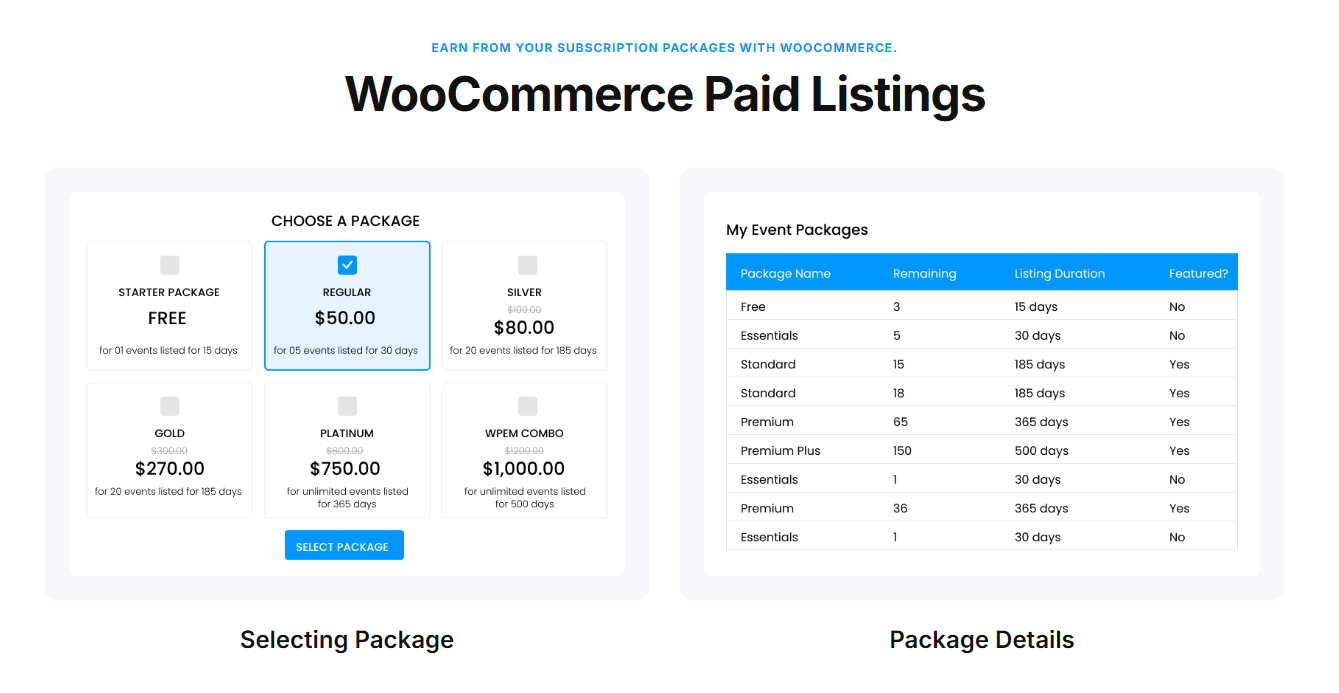
 WooCommerce Paid Listings
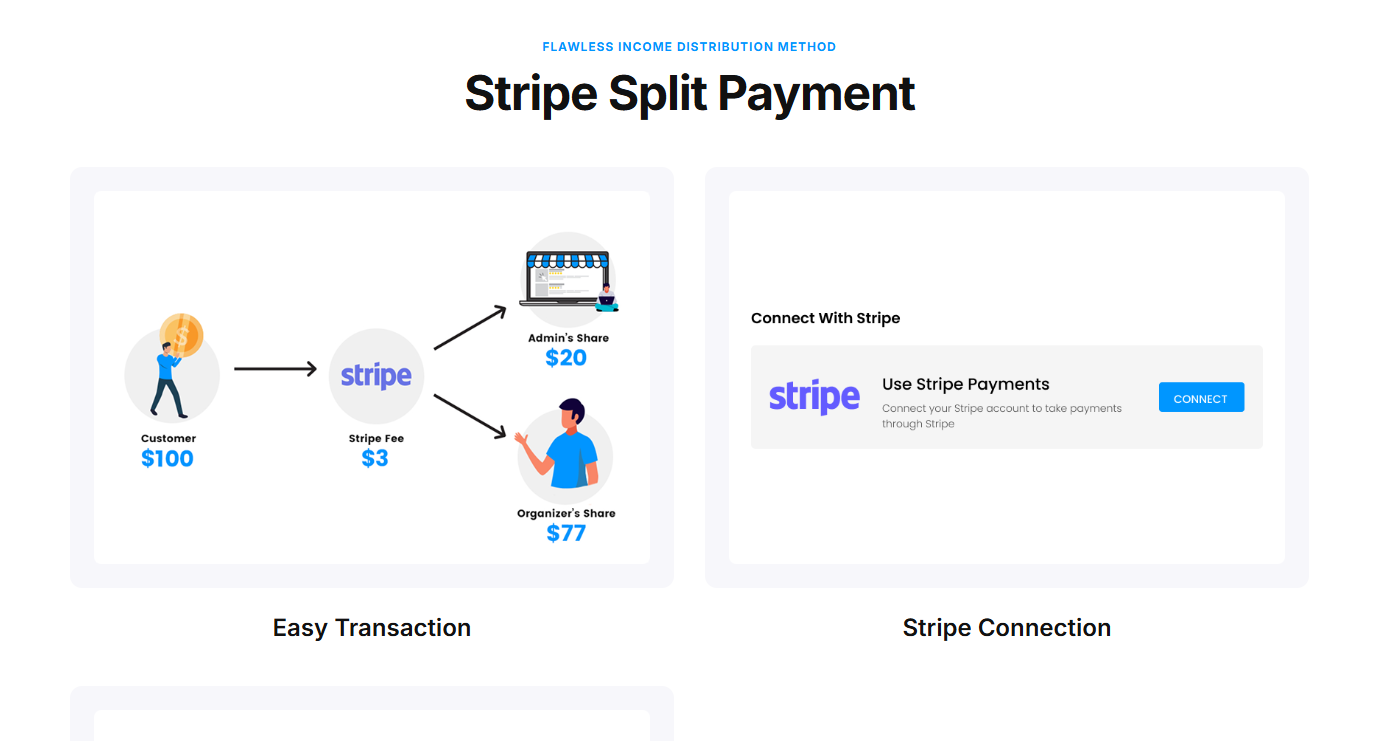
 Stripe Split Payment
 Name Badges
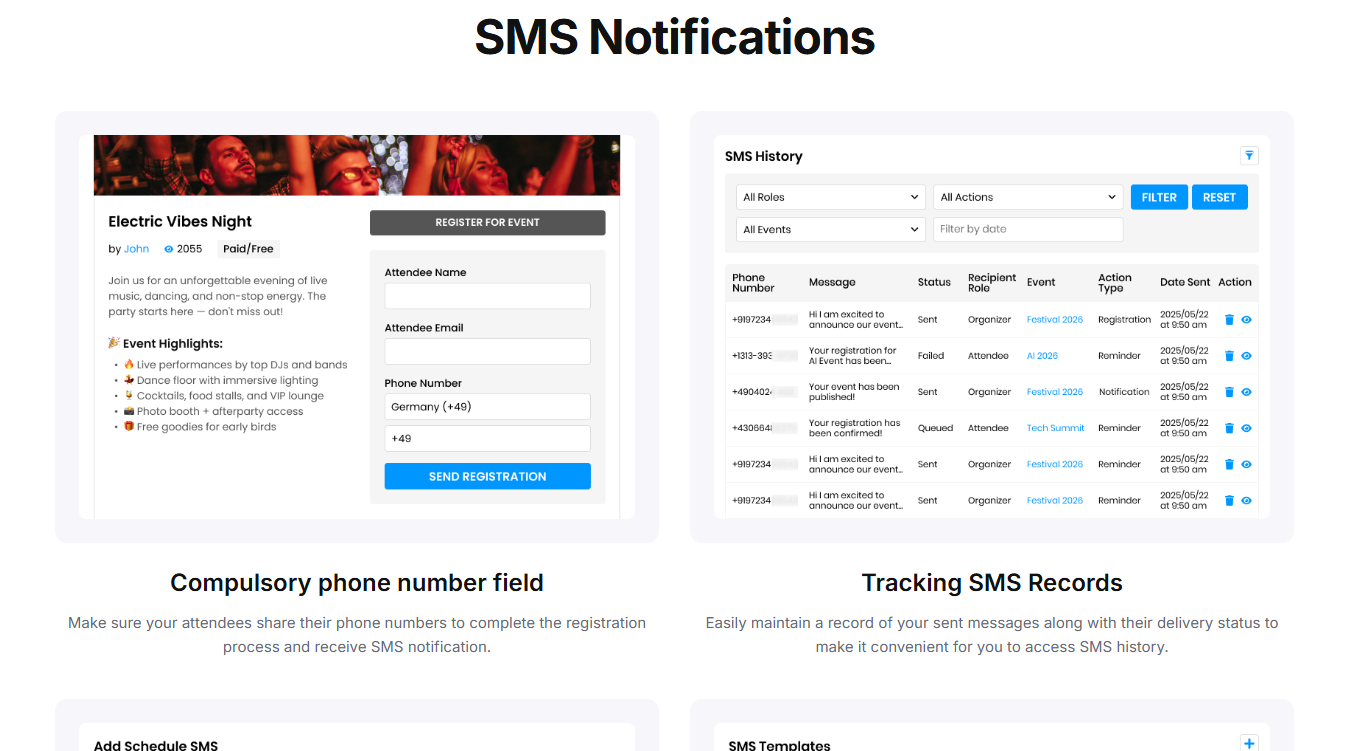
 SMS Notifications
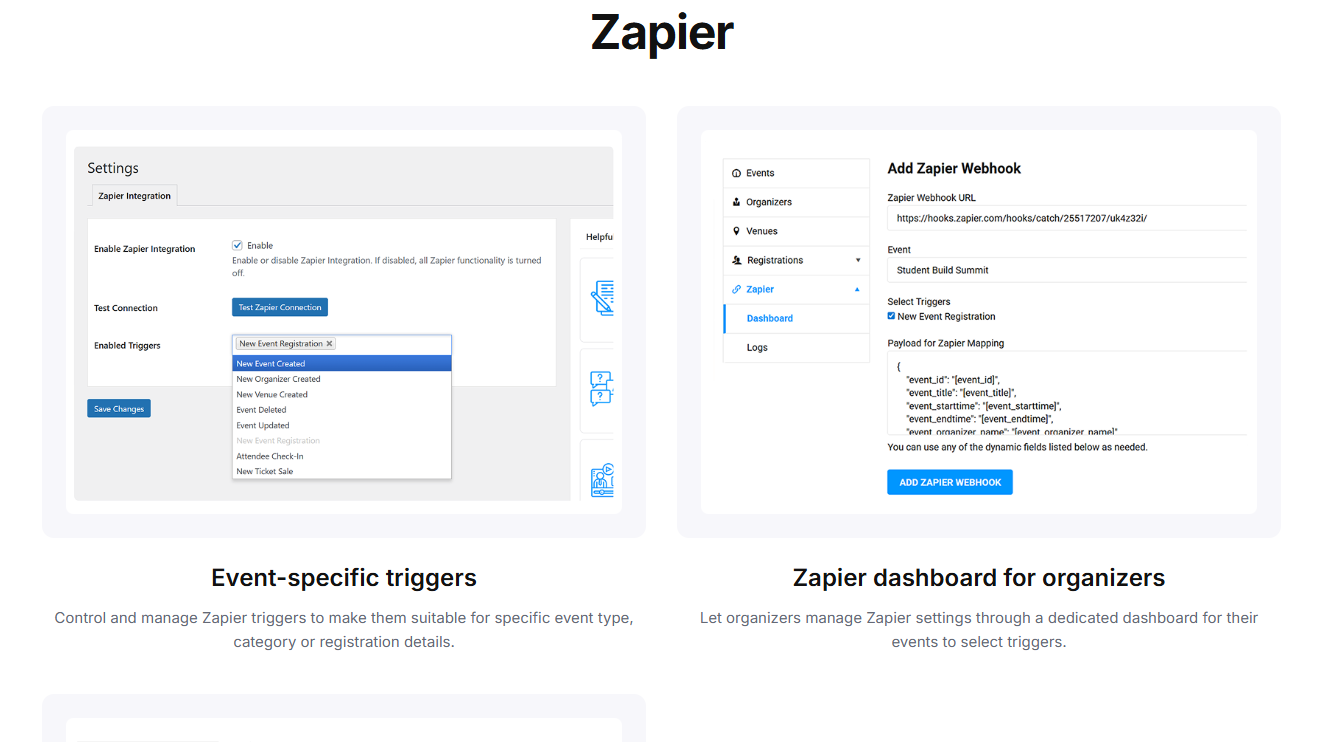
 Zapier
 Zapier
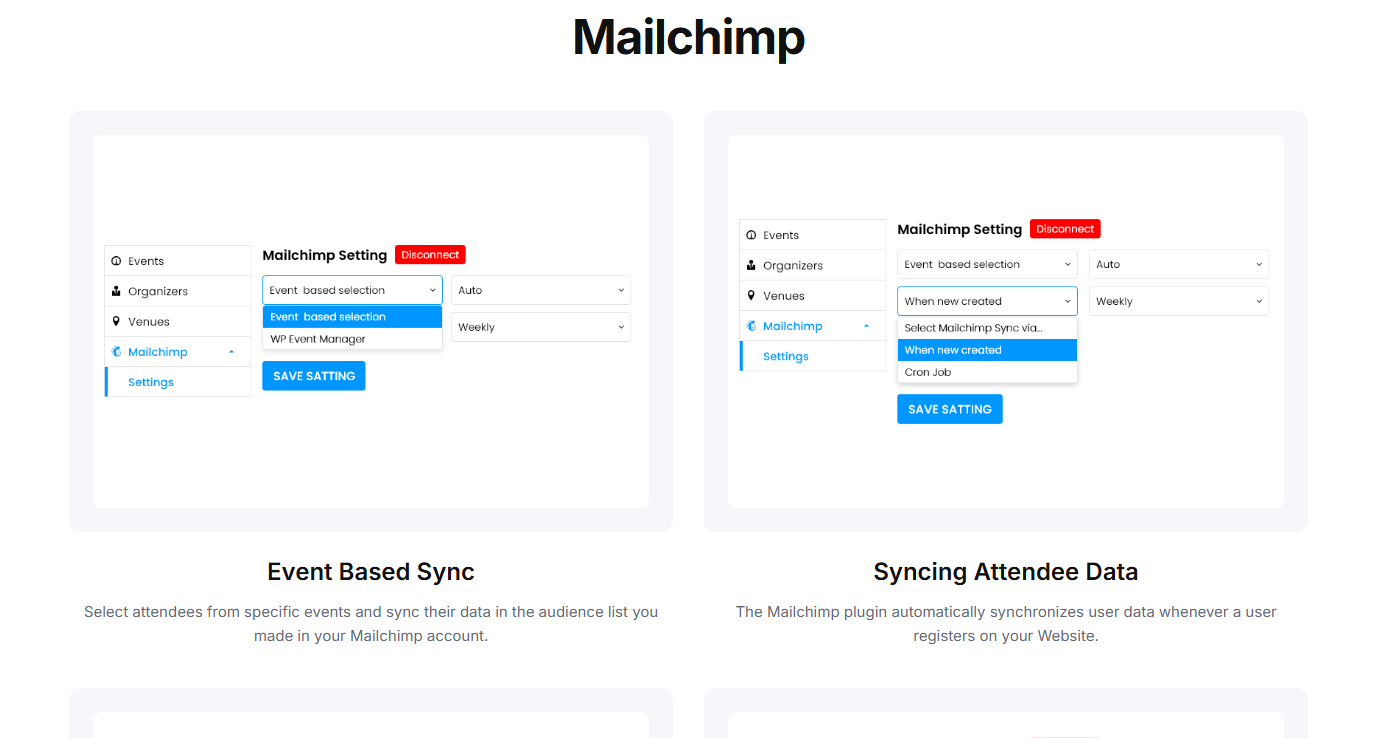
 Mailchimp
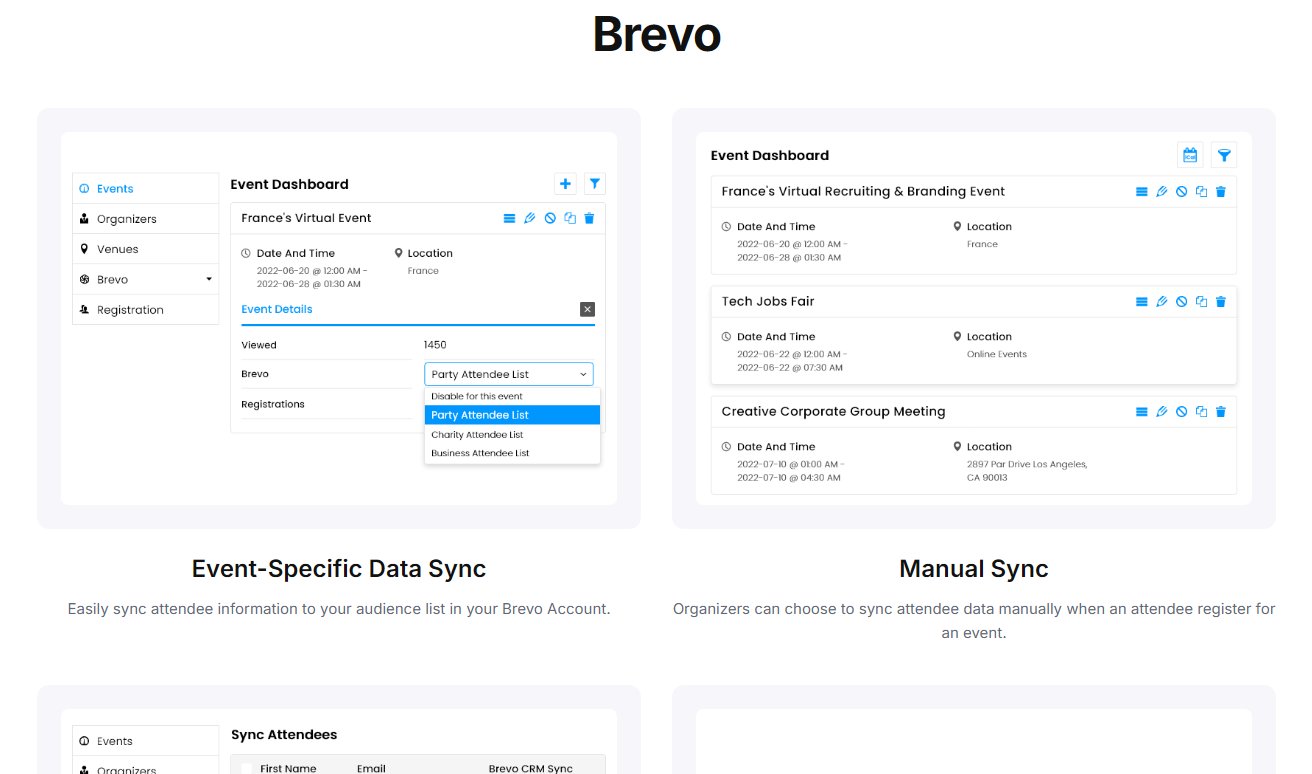
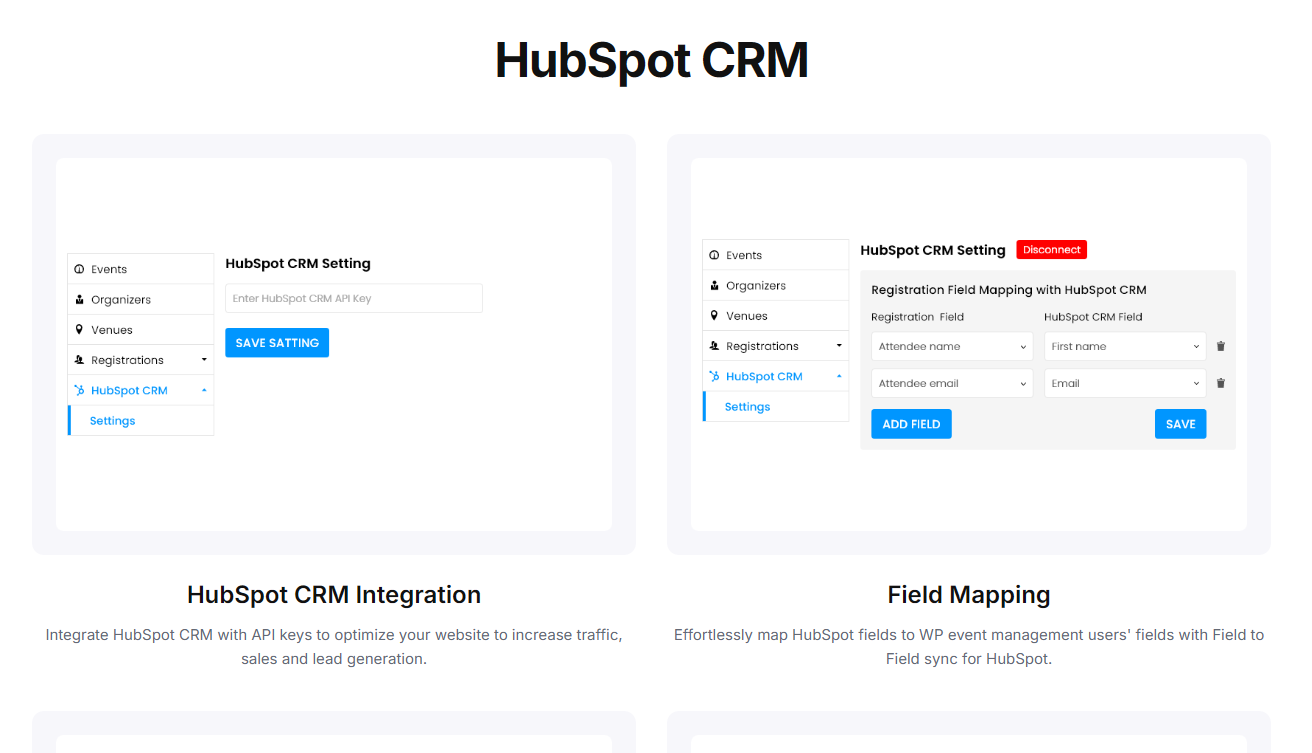
 HubSpot CRM
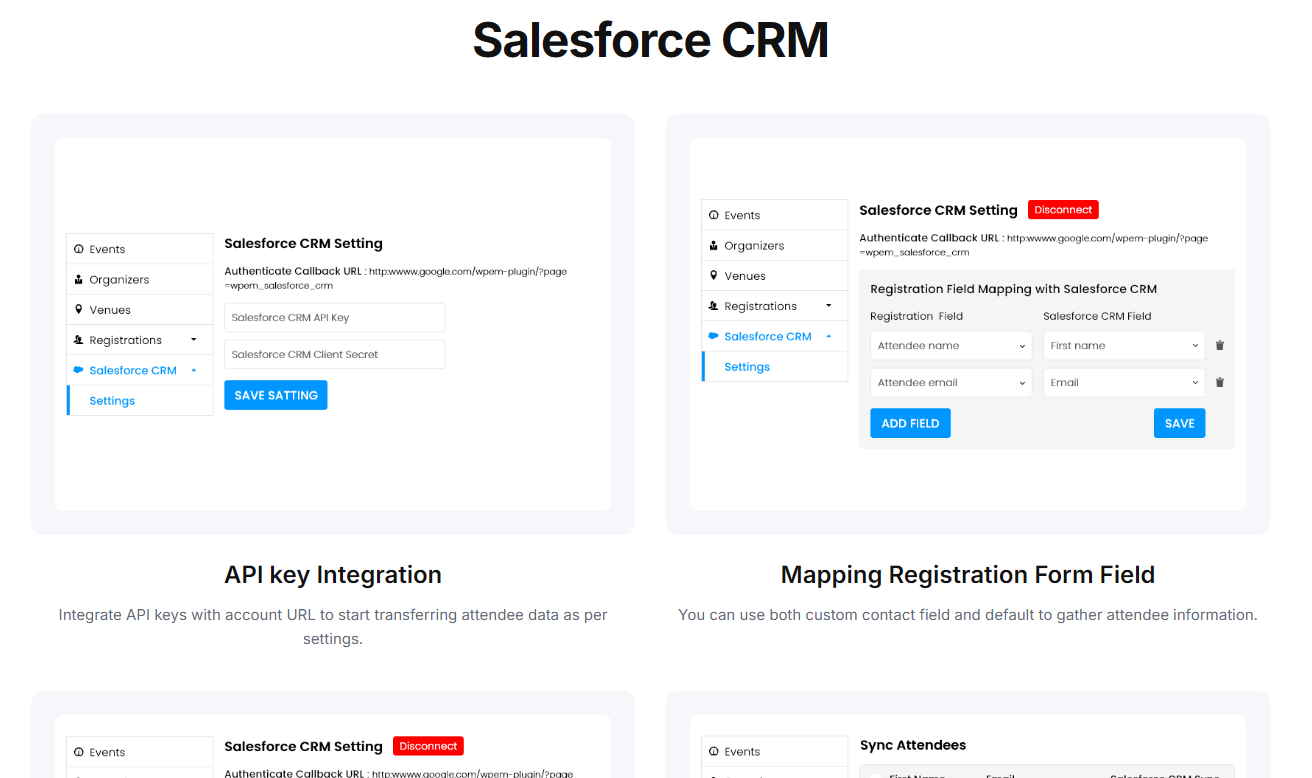
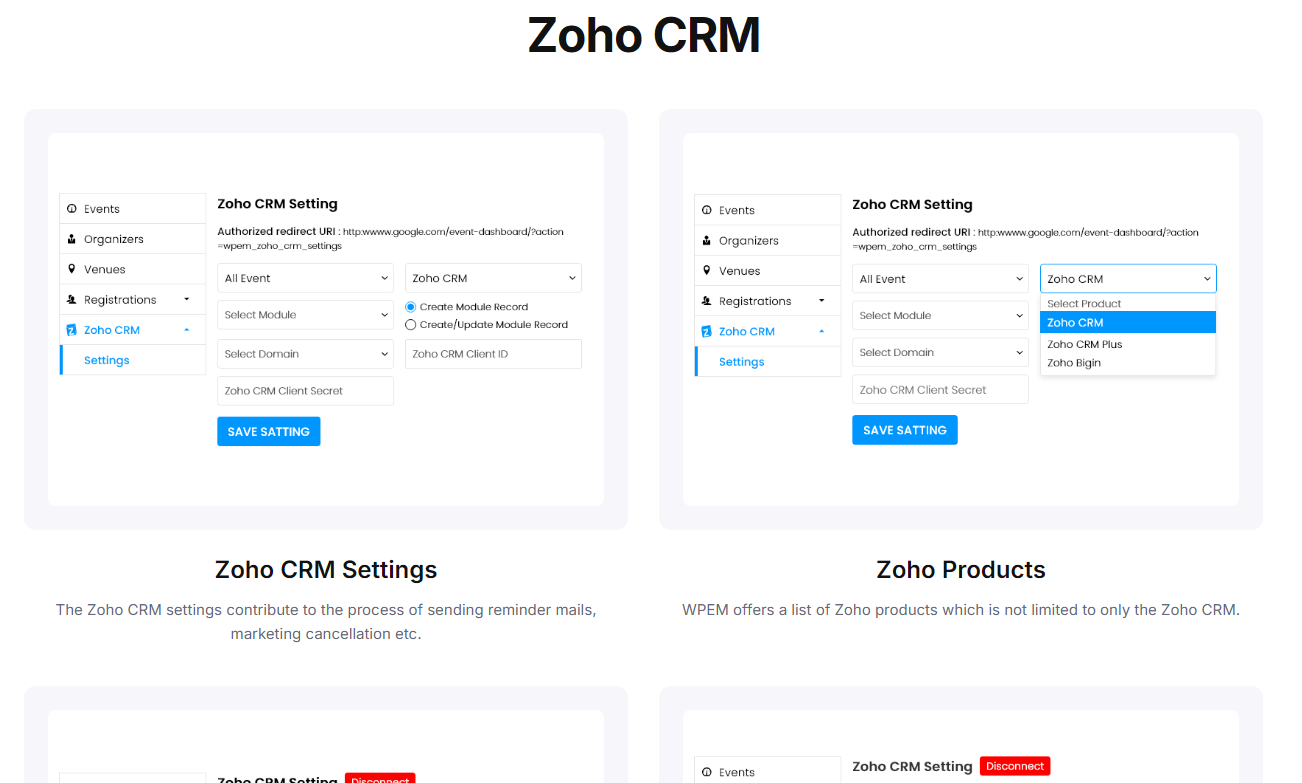
 Salesforce, Zoho & more
 Zoom
Zoom Expo Networking
 Speaker & Schedule
Frequently asked questions
Can't find your answer here? Talk to us directly.
Can I use the same features I tested in this demo on my website?
Do I need to purchase all the plugins and add-ons?
How do I know which plugins or add-ons I actually need?
If you're unsure, you can contact our team with your requirements, and we can help you identify the most suitable options before you purchase.
Will WP Event Manager work with my existing WordPress website?
That's why testing the features in the demo before purchasing is recommended. If you have a specific compatibility requirement, our team can also help you evaluate it.
Can I customize the features I tested in the demo?
For example, you can customize registration fields, event information, ticket details, organizer information, venue details, and other available settings depending on the plugin or add-on you use.
Can I sell tickets and collect payments through my WordPress website?
Payment options depend on the payment gateways available through your WooCommerce setup.
What happens after I purchase a plugin or add-on?
Your license also gives you access to applicable updates and premium support during the active license period.
Can I get help if I am not sure how to set up a feature?
If you are still deciding what you need, you can contact our team before purchasing and discuss your requirements.
What happens when my license expires?
You can renew your license when you are ready to continue receiving these benefits.
What if I am still not sure whether WP Event Manager is right for my website?
If you have a specific use case or requirement that you cannot verify in the demo, contact our team before purchasing and we'll help you find the right solution.
Is the demo the same as the product I will install?
Can I test the exact add-on I’m planning to buy?
Can I test ticket purchases and attendee registration?
What happens to my demo after I purchase?
Want to explore another add-on or need more time to test? You can simply request a new demo website anytime.
Does the demo include WooCommerce/payment functionality?
Still have questions? Explore our FAQs, or feel free to talk to us if you need any help.
Ready to build your event website?
Test the features you need. Talk to our team. Choose your plan.
View Bundle Pricing Get a Personalized Demo